
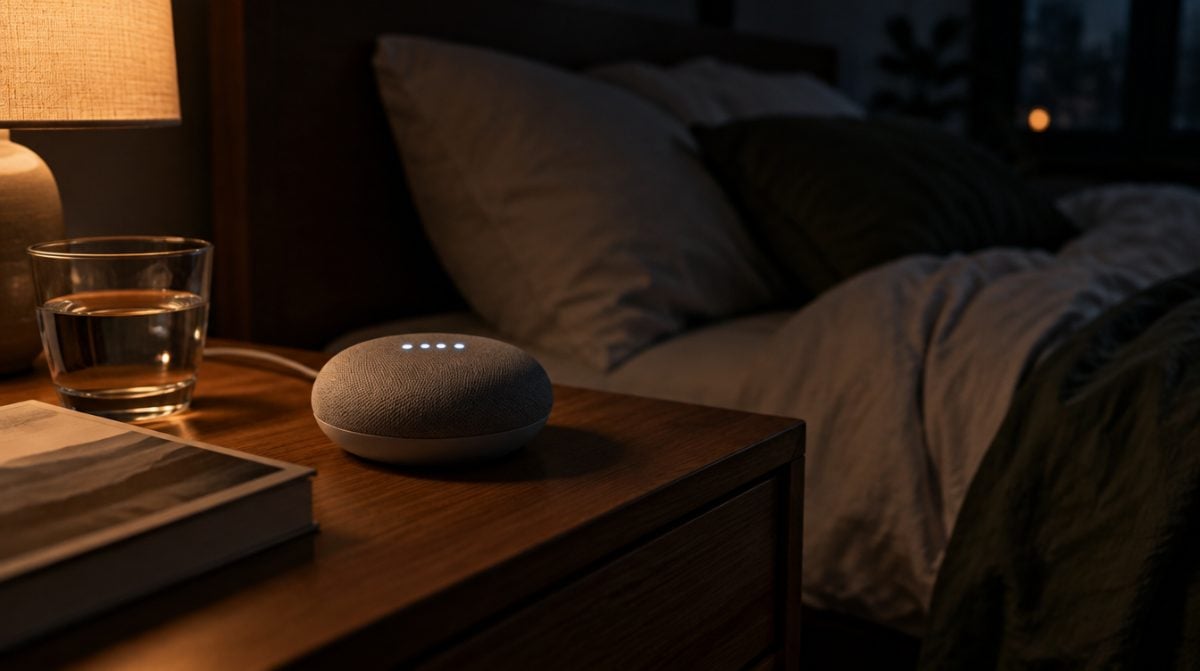
On October 29, 2026, Google pushed out a Gemini for Home update aimed at one of the oddest smart speaker glitches of the year. If your google home keeps saying sorry when nobody in the room has said a word, the culprit is a known bug, and Google says it has now been fixed. The phrase in question is the familiar “Sorry, I didn’t understand,” delivered to an empty room.
That is more than a quirk. A speaker piping up in a quiet house can wake a light sleeper at 2 a.m. or leave you wondering what the microphone just heard. Here is what changed and what to do while the update reaches your home.
Why your google home keeps saying sorry out of nowhere
Google confirmed the problem in its own changelog. In the October 29 entry of its What’s new in Google Home release notes, the company lists the random apology as a bug it has addressed:
Fixed an issue where speakers and displays could occasionally say ‘Sorry, I didn’t understand’ unprompted when no one had spoken to the device.
Google Home release notes, October 29, 2026
What Google did not do is explain the cause. There is no word on whether speakers were mistaking a TV or a barking dog for the wake word. The useful part is simple: this was not your Wi-Fi, your placement or your family’s accents.
Which Nest speakers and displays are involved
The fix sits under the Gemini for Home (Early Access) heading of the notes, and Google describes it as covering speakers and displays in general. It did not publish a list of models. So if you have switched any Google or Nest speaker or smart display over to Gemini, treat this update as meant for you.
The older Google Assistant is not mentioned. If your google home keeps saying sorry and still runs Assistant, this fix may not be the answer.
5 things to try if your google home keeps saying sorry
- Give it a few days. Google gave no device-by-device timeline. If your google home keeps saying sorry this weekend, it may simply not have the update yet.
- Restart the speaker. Pull the power cable, wait about a minute and plug it back in. It costs nothing and rules out a one-off glitch.
- Update the Google Home app on your phone. The October 29 release also bundled Home app changes, so grab the latest version from Google Play or the App Store.
- Compare the firmware number. Google keeps a public list of current speaker and display firmware. It currently shows 3.78.540761 for the Nest Audio, Nest Mini, original Google Home and Home Mini, and 3.78.538897 for the 2026 Google Home Speaker. If your device’s settings in the Google Home app show an older number, keep it powered and online and check back in a day or two.
- Flip the mic switch at night as a stopgap. Most Google and Nest speakers have a physical microphone switch or mute button. Off means no surprise replies, but also no voice commands.
Skip the factory reset. When a google home keeps saying sorry because of a bug Google has already named, wiping and rebuilding your setup is unlikely to beat waiting.
The other Gemini for Home fixes in the same update
The random apology was one of six changes. The rest tidy up everyday requests:
- Moving music around the house. Gemini should better handle requests such as “move Mozart to the living room” or “bring the music here.”
- Timers versus sleep timers. Google patched a rare mix-up where Gemini could set the wrong kind of timer or confuse a timer with an alarm.
- YouTube TV on smart displays. Voice commands for the service should behave more reliably.
- Volume in other rooms. Asking to turn down a speaker elsewhere in the house should no longer change the device you are talking to when the other one cannot be found.
- Silent alarms. Alarms and timers that rang at zero volume now follow the device’s volume setting instead.
That last one deserves a quick test if a kitchen speaker runs your school-morning alarms. Gemini now handles plenty of household jobs, as our guide to using Gemini Spark to hand off chores shows, so small reliability fixes add up.
What Google has not said yet
Three gaps stand out. Google has not shared what triggered the stray replies, has not listed which models get the fix, and has not said when every home will have it. Its changelog also notes that entries are generated with the help of Gemini and may require updates or corrections. So if your google home keeps saying sorry next week, that alone does not prove the fix failed.
Questions about the Google Home apology bug
Why does my Google Home keep saying sorry I didn’t understand?
Google says a bug made some speakers and displays running Gemini for Home say it unprompted. A fix was announced on October 29, 2026, but Google has not explained the cause.
Does the fix cover the Google Home Mini and Nest Mini?
Probably, if they run Gemini for Home. Google says the fix applies to speakers and displays but did not publish a list of specific models.
Do I need to do anything to get the fix?
Usually not. Keep the speaker plugged in and online, update the Google Home app on your phone, and restart the speaker if the problem continues after a few days.
Should you keep troubleshooting or wait for Google’s fix?
If your google home keeps saying sorry after a restart and an app update, stop there and let Google’s rollout do the rest. Anyone whose speaker never had the problem can skip all of this. And if the late-night apologies are keeping someone awake, the mic switch buys you quiet until the fix lands – your speaker can learn some manners on its own time.