

Last Updated: February 2025 | Reading Time: 5 minutes | Author: First and Geek Editorial Team
If you’ve ever struggled with printer drivers on a Mac or PC, you know the pain. For years, enterprise IT departments wrestled with driver management, delayed OS support, and compatibility nightmares. Then Apple introduced AirPrint in 2010, and while it seemed like a simple home feature at first, it eventually forced the entire printing industry to adapt. Here’s how a technology designed for consumer convenience became an enterprise standard that changed how we print at work.
The Dark Days of Printer Driver Management
Anyone managing IT infrastructure during the 2000s and early 2010s will tell you that printer drivers were among the most frustrating aspects of the job. Every OS update meant waiting months for manufacturers to release compatible drivers. HP, Canon, Xerox, and Ricoh each had their own timelines and support cycles, creating a patchwork of compatibility issues that made upgrading operating systems a logistical headache.
The problem wasn’t just technical complexity. It was operational friction. Each printer model often required specific drivers, and maintaining those drivers across hundreds or thousands of devices meant constant troubleshooting, manual installations, and help desk tickets. For Mac users, the situation was particularly challenging as printer manufacturers prioritized Windows support.
AirPrint Arrives: A Consumer Feature with Enterprise Implications
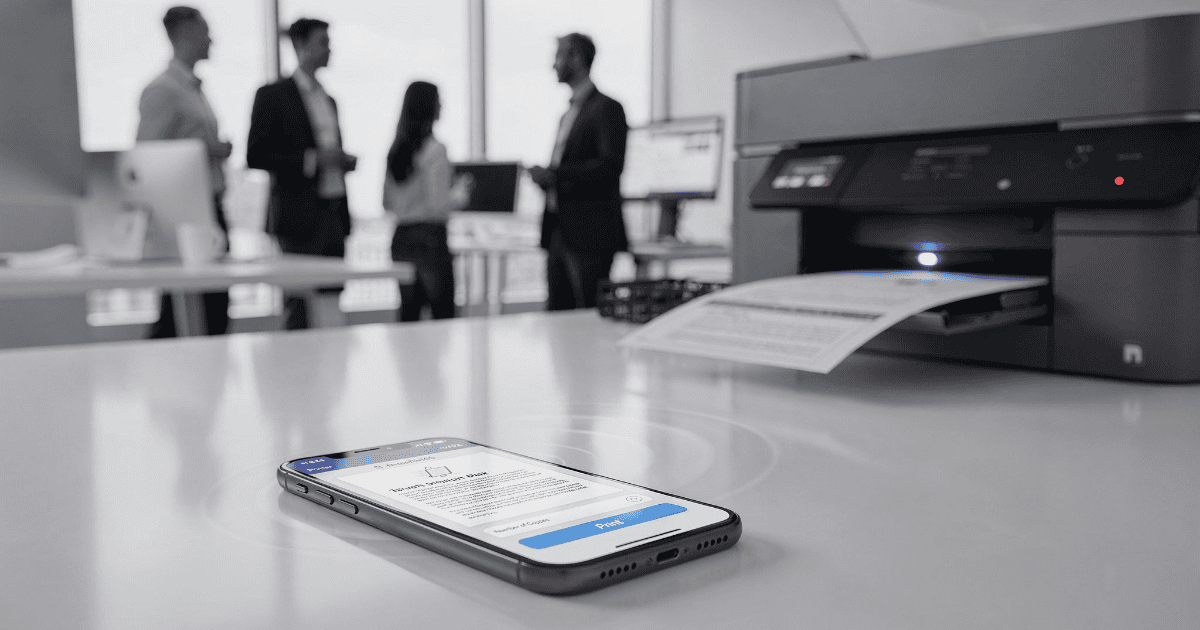
When Apple launched AirPrint in 2010, it was positioned as a straightforward way for iPhone and iPad users to print wirelessly without installing drivers or configuring complex network settings. Most enterprise IT administrators dismissed it as a home feature intended for printing photos on inexpensive consumer printers. The technology seemed too simple for corporate environments with multifunction printers, authentication requirements, and cost tracking needs.
But something unexpected happened. As iPhones and iPads began appearing in workplaces, executives and employees started bringing these devices to work and expected them to function seamlessly. They wanted to print PDFs, emails, and documents directly from their iPads without dealing with technical complications. These users didn’t care about IP addresses or driver installations. They simply wanted to tap “Print” and have it work like it did at home.
The Tipping Point: Market Pressure Forces Industry Change
Apple’s growing presence in the enterprise created an unusual dynamic. Instead of Apple adapting to the established printing infrastructure, the sheer volume of iOS devices in corporate environments forced printer manufacturers to support AirPrint. What began as a nice-to-have feature gradually became a purchasing requirement.
In the early years, getting enterprise multifunction printers to work with iPads often required third-party apps and gateway solutions that were clunky and unreliable. These workarounds highlighted the gap between user expectations and printer capabilities. As adoption of Apple devices continued to grow, companies like HP, Canon, Xerox, and Ricoh faced a clear choice: build native AirPrint support or lose market share.
Eventually, nearly all major enterprise multifunction printers included built-in AirPrint support. Not supporting AirPrint became a dealbreaker during purchasing decisions and lease negotiations. Organizations could now deploy Ricoh or HP printers and have them work with iOS devices and Macs right out of the box without touching a single driver file.
Beyond Mobile: AirPrint Transforms Mac Printing
The shift to AirPrint didn’t just benefit iPhone and iPad users. Over time, it fundamentally changed how IT departments managed printing on Macs as well. What began as a mobile printing solution evolved into the standard printing protocol for most use cases.
Today, AirPrint has moved from being the exception to the rule. While specialized printing scenarios may still require traditional drivers, the vast majority of everyday printing tasks can be handled through AirPrint. This transition has made macOS upgrades significantly smoother, eliminating the wait for printer manufacturers to release updated drivers for each new operating system version.
Filling the Enterprise Gap: Print Management Solutions
While AirPrint solved the connectivity and driver problem, it didn’t initially address enterprise requirements like user authentication, print quotas, cost tracking, and secure release printing. This is where third-party solutions like PaperCut entered the picture, bridging the gap between consumer-friendly printing and enterprise control.
PaperCut and similar platforms demonstrate how Apple’s approach influenced the broader ecosystem. These solutions work seamlessly with macOS and offer particularly straightforward deployment on iOS devices through configuration profiles. Instead of complex manual setup, IT departments can deploy a configuration profile that tells devices where printer queues are located. Users log in through single sign-on, and they’re immediately ready to print.
The workflow is remarkably simple. A user hits print, the job goes to a virtual queue, and they release it at the physical printer using a badge tap or PIN code. This approach combines the simplicity of AirPrint with the accountability and security enterprises require. The configuration is straightforward enough that end users can often complete it themselves, yet IT maintains full control over access, quotas, and reporting.
The Broader Impact on IT Operations
The transformation of enterprise printing through AirPrint represents a larger pattern in how Apple products influence IT infrastructure. Rather than conforming to existing enterprise standards, Apple created consumer-focused technologies that worked so well they forced enterprise vendors to adapt.
For IT departments, this shift has delivered tangible benefits beyond just eliminating driver headaches:
- Reduced help desk tickets related to printing issues
- Faster deployment of new printers without driver installation
- Smoother operating system upgrades without waiting for manufacturer support
- Consistent printing experience across iOS, iPadOS, and macOS devices
- Lower training requirements for end users
Many IT administrators report that they simply don’t manage printer drivers anymore. The entire workflow has moved to AirPrint-based solutions that work reliably across the organization. What was once a constant source of support requests has become a solved problem.
What This Means for Organizations Today
If you’re evaluating printing solutions for a modern workplace, the good news is that AirPrint support is now essentially universal among enterprise printers. When combined with management platforms like PaperCut, organizations can create a printing infrastructure that balances ease of use with administrative control.
Organizations with significant Apple device deployments should prioritize printers with native AirPrint support and consider print management solutions that integrate well with Apple’s ecosystem. The combination delivers a user experience that requires minimal training while giving IT the visibility and control needed for cost management and security compliance.
First and Geek Verdict
The story of AirPrint’s influence on enterprise printing is a reminder that consumer technology can drive meaningful change in professional environments. Apple didn’t set out to revolutionize enterprise printing, but by creating a simple, driver-free printing experience for consumers, they inadvertently solved one of IT’s most persistent headaches. The printing industry had to adapt, and the result is a dramatically better experience for everyone involved. IT teams spend less time troubleshooting drivers, users print without friction, and operating system upgrades no longer trigger printing nightmares. It took more than a decade, but enterprise printing has finally become what it should have been all along: simple, reliable, and essentially invisible to end users.