
Last updated: October 23, 2026
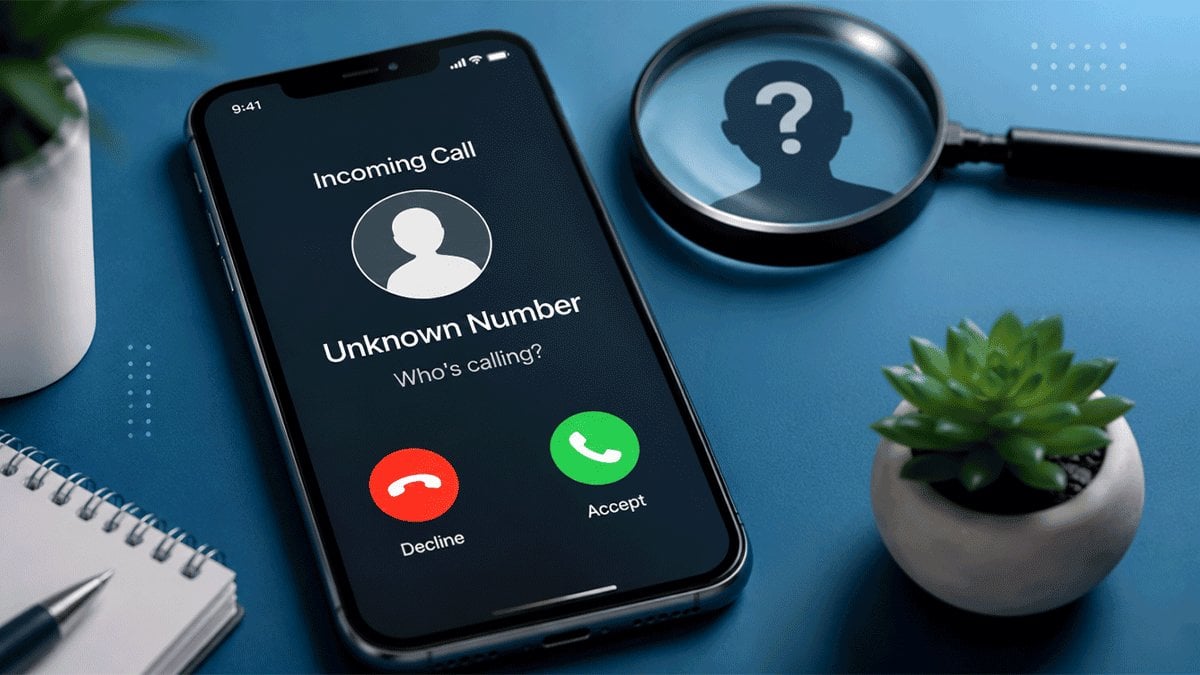
Got a call or text from a number you don’t recognize? Truecaller is one of the quickest ways to find out who it belongs to before you call back. Its database is built from its community of users, so it can often show a name, a spam warning, or both for numbers that aren’t in your contacts.
Here’s how to run a Truecaller number search on the web and in the app, what the results mean, and how to remove your own number if you’d rather not be found.
How to do a Truecaller online search (website)
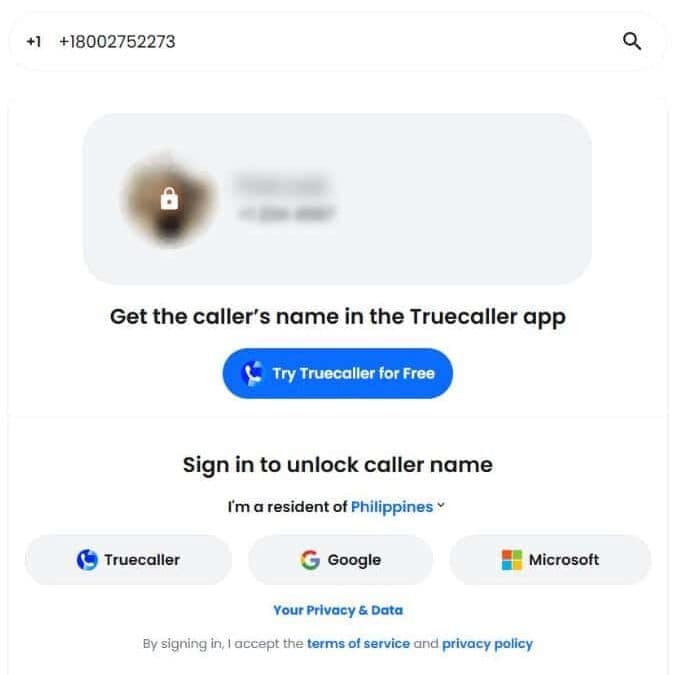
- Go to truecaller.com in any browser on your computer or phone.
- Type the number into the search bar. Truecaller fills in your own country code automatically. To check a number from another country, type it in full international format, starting with + and the country code.
- Press Enter or tap the search icon.
- Sign in to see the caller’s name. You can sign in with a Truecaller, Google or Microsoft account.
Truecaller number check in the app
- Install Truecaller from Google Play or the App Store and sign in.
- Tap the search bar at the top of the app.
- Type or paste the number and run the search.
What the results show (and their limits)
A Truecaller search can show:
- the name most often associated with the number
- whether other users have flagged it as spam or a scam
- comments other users have left about the number
Keep in mind that Truecaller’s data comes from its users, so a name can be incomplete, out of date, or simply wrong. Numbers get reassigned, and the same number can be saved under different names in different people’s phones. Treat the result as a strong hint, not proof.
How to remove (unlist) your own number from Truecaller
Your number can appear in Truecaller even if you’ve never used it, because it can be added when someone who has you saved installs the app. To take it out of search results:
- If you have a Truecaller account, deactivate it in the app’s settings first.
- Go to truecaller.com/unlisting and select “No, I want to unlist.”
- Enter your number with the country code and confirm.
Unlisting can’t be undone, and it also means you lose Truecaller’s spam protection and caller ID. Removal isn’t instant, so allow up to a day. It only affects Truecaller’s own database, not other lookup sites.
Truecaller features beyond number search
Truecaller started as a smarter phone book, and number search is still at its heart. But the app now does a lot more:
- Caller ID. Truecaller shows who’s calling as the call comes in, even if the number isn’t in your contacts.
- Spam and call blocking. Numbers that many users report as spam are labeled, and you can block any number. Premium adds advanced spam blocking that declines calls from known spammers automatically.
- Call history. On Android, Truecaller can work as your phone app, so your call log shows names and spam labels for unknown numbers.
- Contact Requests. Premium users can send a request asking for someone’s number or contact details, instead of seeing them straight away.
What Truecaller Premium adds
The free app covers number search, caller ID and spam warnings. Premium is a paid subscription that adds:
- no ads
- Who Viewed My Profile, which alerts you when someone views your profile
- Incognito Mode, for viewing other profiles anonymously
- Truecaller Assistant, which can answer and screen calls for you
- call recording with AI transcriptions
Prices vary by country and plan. Truecaller lists the current options on its Premium page.
Truecaller number search FAQ
Why does Truecaller show the wrong name for a number?
Truecaller’s names come from its users, so a number can carry whatever name someone saved it under, or an old owner’s name if the number was reassigned. If it’s your own number, Truecaller lets you change the name it shows from your profile in the app.
Can someone see that I searched their number?
They might. Truecaller Premium users can get a Who Viewed My Profile alert when someone views their profile. Premium users can turn on Incognito Mode to view profiles without triggering that alert.
Is Truecaller number search free?
Yes. Basic number search is free on the website and in the app, though the website asks you to sign in first.