
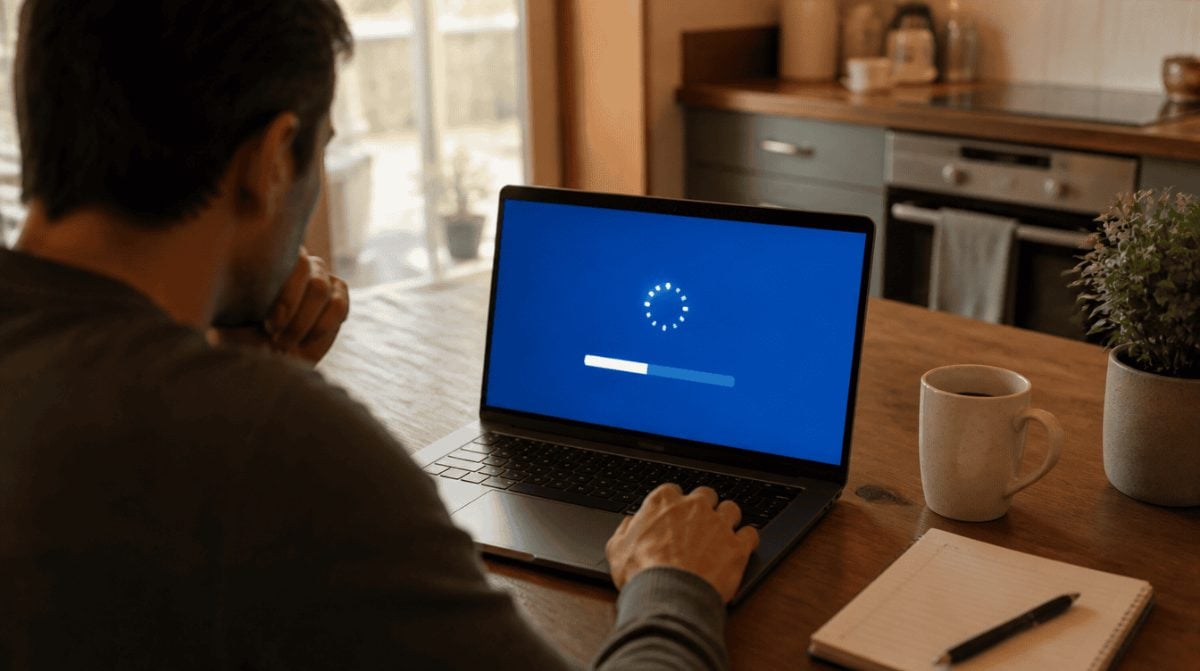
Microsoft pushed its October 2026 Patch Tuesday release, KB5127648, on October 13, and for a slice of Windows 11 owners it never got past the download bar. Instead, the “Update history” page shows a failed install and the windows 11 update error 0x800f0845 where a new build number should be.
That matters because KB5127648 is a security update, not an optional extra. The good news is that Windows has several built-in tools aimed at the windows 11 update error 0x800f0845 and similar install failures, and none of them require you to wipe your PC.
Who is seeing the windows 11 update error 0x800f0845
The failures are not limited to this month. According to a report from Neowin, installs of four recent Windows 11 packages are hitting the same code: KB5127648 (October), KB5121003, KB5129195 (the out-of-band fix Microsoft shipped on September 14) and KB5089549.
KB5127648 itself comes in three flavors, so check which one your PC wants before you go hunting for a download:
| Windows 11 version | Build after KB5127648 |
|---|---|
| 24H2 | 26100.9711 |
| 25H2 | 26200.9711 |
| 26H2 | 26300.9711 |
If you are not sure which version you run, our guide on getting the Windows 11 26H2 update walks through where to look in Settings.
7 fixes to try, easiest first
Work through these in order, and check whether the windows 11 update error 0x800f0845 comes back after each one. Most of them come straight from Microsoft’s own Windows Update troubleshooting page, so you are not poking at anything risky.
- Restart, then retry. Save your work, open Start, pick Power and choose “Update and restart.” Afterward, go to Settings > Windows Update and press “Check for updates.” Plenty of updates simply will not finish until the PC restarts.
- Run the Windows Update troubleshooter. Open the Get Help app, or go to Settings > System > Troubleshoot > Other troubleshooters, find Windows Update and select Run. Let it finish before you click anything else.
- Free up space and unplug extras. Microsoft says 64-bit Windows 11 wants at least 20 GB free. Microsoft also suggests disconnecting external drives, docks and other hardware you do not need before trying again.
- Fix the clock. Under Settings > Time & language > Date & time, switch on automatic time and time zone, then press “Sync now.” Microsoft lists a wrong clock among the things worth ruling out.
- Clear the update cache. Press Win + R, type services.msc and halt the service called Windows Update. Next, delete the contents of the SoftwareDistribution folder inside your Windows folder, then switch that service back on so Windows downloads a fresh copy of the patch.
- Repair system files. Search for cmd, right-click Command Prompt and choose “Run as administrator.” Type DISM.exe /Online /Cleanup-image /Restorehealth and wait, then run sfc /scannow. Leave the window alone until both reach 100 percent, then restart.
- Install the patch by hand. Search for KB5127648 in the Microsoft Update Catalog, pick the line that matches your version and processor (x64 or arm64), and run the file you download. Expect a big file: the x64 download is about 5 GB, including a checkpoint update.
Step six is the one most likely to help with a stubborn windows 11 update error 0x800f0845, because DISM repairs the component store, which is Microsoft’s go-to fix for several close cousins of this code in the 0x800f08 family. It is also the slowest, so plug in a laptop before you start.
The last resort: an in-place repair
If every step above fails, Microsoft’s Windows 11 download page offers two ways to reinstall over the top of your current setup. The Installation Assistant handles it automatically on x64 PCs and needs about 9 GB free, while mounting the official ISO and running setup upgrades the system you already have. Back up your files first, as Microsoft recommends, and expect several restarts.
What Microsoft has said so far
Very little. As of November 2, Microsoft’s Windows release health dashboard does not list the windows 11 update error 0x800f0845 as a known issue at all. KB5127648 is credited there with fixing two other problems: a black screen after sign-in on some virtual desktop setups, and apps that crash when decoding AC-3 (Dolby Digital) audio.
Microsoft has not said what triggers the windows 11 update error 0x800f0845 or whether a fix is planned. Until it does, the manual steps above are the best tools available to home users. Microsoft has since shipped KB5134133, an October 26 out-of-band update, and KB5127936, the October 28 optional preview, but neither mentions this error. For Windows 11 24H2 Home and Pro, KB5127648 is the last update available.
Frequently asked questions
Is it safe to skip KB5127648 for now?
For a few days, yes, but not for long. Microsoft classifies it as a security update, so a PC that keeps failing to install it stays exposed to the flaws it patches.
Will clearing the SoftwareDistribution folder delete my files?
No. That folder holds update files Windows has downloaded, not your documents or photos. Windows simply fetches the update again once the service restarts.
Does the Windows Update troubleshooter fix 0x800f0845?
It might. Microsoft lists it as the first thing to run on Windows 11, so it is worth a try, but if the error returns, move on to the DISM and sfc repair commands.
Run DISM before you do anything drastic. It clears more stuck updates than any other built-in tool.
When to stop troubleshooting and wait for a Microsoft fix
If you have run the troubleshooter, the DISM and sfc repair and the manual Catalog install and the windows 11 update error 0x800f0845 still comes back, stop there and wait for Microsoft’s next monthly update rather than reinstalling Windows on a family PC that otherwise works fine. Anyone on an older release should also read our note on Windows 11 24H2 losing support, since staying on a supported version matters as much as any single patch. A patient restart beats a panicked reset every time.