
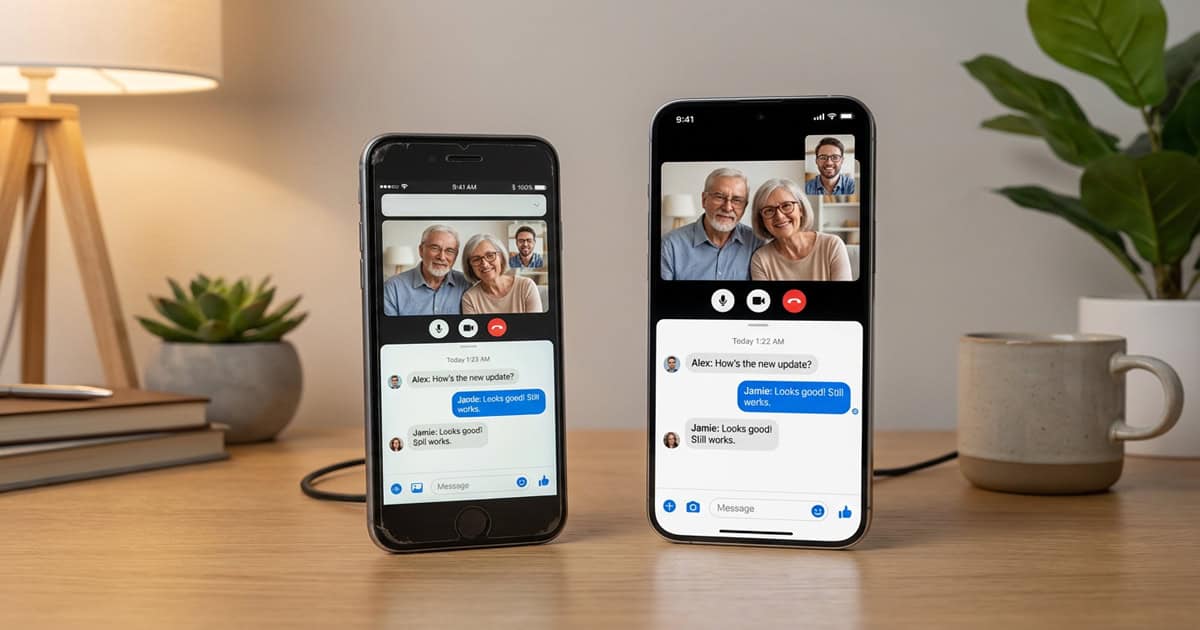
Apple has quietly released iOS 12.5.8 and iPadOS 12.5.8, a small but important update for older devices that can no longer run modern versions of iOS. This update extends critical certificates that keep iMessage, FaceTime, and device activation working beyond January 2027, ensuring these older devices remain functional for at least another year.
An Unexpected Update for Devices Last Supported in 2023
If you’re still using an iPhone 5s, iPhone 6, or one of several other devices from that era, you might have been surprised to see a software update notification appear on your screen. Apple released iOS 12.5.8 and iPadOS 12.5.8 on January 26, 2026, marking the first update for these devices since January 23, 2023. That’s a gap of more than three years.
According to Apple’s release notes, this update addresses a very specific issue. It extends the certificate required by features such as iMessage, FaceTime, and device activation to continue working after January 2027. Without this update, these core services would stop functioning once the existing certificate expires.
Which Devices Are Supported
Apple has confirmed that iOS 12.5.8 and iPadOS 12.5.8 are available for the following devices:
- iPhone 5s
- iPhone 6
- iPhone 6 Plus
- iPad Air (1st generation)
- iPad mini 2
- iPad mini 3
- iPod touch (6th generation)
These devices were introduced between 2013 and 2015 and represent some of the oldest hardware still receiving any kind of support from Apple. While they can no longer run the latest versions of iOS or iPadOS, they remain capable of performing basic tasks like messaging, video calls, and web browsing.
Why This Update Matters
At first glance, a certificate update might not sound particularly exciting. But for anyone still using one of these older devices, this update is essential. Without it, iMessage and FaceTime would stop working entirely once the certificate expires in early 2027. Device activation, which is necessary if you ever need to restore or set up your device again, would also fail.
This kind of update reflects Apple’s continued, if limited, commitment to keeping older devices functional. While these iPhones and iPads won’t receive new features or security patches for vulnerabilities discovered in newer iOS versions, they can still perform the core communication tasks many people rely on.
Should You Install the Update Now
Even though the certificate won’t expire until January 2027, it’s generally a good idea to install this update sooner rather than later. Installing the update now ensures you won’t encounter any unexpected issues down the road. It also gives you time to troubleshoot any problems that might arise, though with such a targeted update, significant issues are unlikely.
To check for the update, open the Settings app on your device, tap General, then tap Software Update. If iOS 12.5.8 or iPadOS 12.5.8 is available, you’ll see it listed there. The update is relatively small and should install quickly on most devices.
A Reminder of Apple’s Longevity Support
While Apple is often praised for supporting its devices longer than most Android manufacturers, the reality is more nuanced. Devices like the iPhone 5s, released in 2013, stopped receiving major iOS updates years ago. However, Apple has occasionally rolled out targeted updates like this one to extend the usability of older hardware.
This approach is practical for users who don’t need the latest features but still want their devices to perform basic functions reliably. It also reflects a broader trend in the tech industry toward extending device lifespans, reducing electronic waste, and supporting users who may not be able to upgrade as frequently.
What Happens After January 2027
Looking ahead, it’s unclear whether Apple will issue another certificate extension beyond January 2027. The company has not announced any plans to continue supporting these devices after that date, and given their age, it’s reasonable to expect that this may be the final update they receive.
If you’re still using one of these devices as your primary phone or tablet, it may be worth considering an upgrade within the next year or so. Devices like the iPhone SE or entry-level iPads offer significantly better performance, longer software support, and access to modern features and apps.
FAQ
Q: Will this update slow down my older iPhone or iPad?
A: No. iOS 12.5.8 is a very targeted update focused on extending a certificate. It does not include new features or system changes that would impact performance.
Q: Can I skip this update if I don’t use iMessage or FaceTime?
A: Technically yes, but the update also affects device activation. If you ever need to restore or set up your device after January 2027, you may run into problems without this update installed.
Q: Will Apple release any more updates for these devices after this one?
A: Apple has not announced any future plans for these devices. Given their age and the three-year gap since the last update, it’s likely this will be one of the final updates they receive.
Q: Is it safe to continue using these older devices for everyday tasks?
A: For basic tasks like messaging, calls, and light web browsing, these devices remain functional. However, they no longer receive security updates for newer vulnerabilities, so avoid using them for sensitive activities like online banking or storing personal information.
First and Geek Verdict
Apple’s release of iOS 12.5.8 is a welcome gesture for users still relying on older iPhones, iPads, and iPod touch models. While it won’t bring new features or performance improvements, it ensures that essential services like iMessage and FaceTime continue working for at least another year. If you or someone you know is still using one of these devices, installing this update is a simple step that will prevent frustration down the road. It’s also a reminder that even older technology can remain useful with the right support, though planning for an eventual upgrade is probably wise as these devices approach the end of their functional lifespan.