

Last Updated: April 2026 | Reading Time: 4 minutes | Author: First and Geek Editorial Team
If you’ve ever managed Macs remotely, you know the frustration of the FileVault reboot problem. A new utility from Twocanoes Software promises to eliminate this headache for IT administrators and anyone managing Apple Silicon Macs from afar. Here’s how Password Utility tackles one of remote Mac management’s most persistent challenges.
Understanding the FileVault Reboot Problem
FileVault encryption is essential for protecting data on Macs, but it creates a significant challenge for remote management. When a Mac with FileVault enabled restarts, it displays a pre-boot login screen before the operating system fully loads. At this stage, the Mac hasn’t connected to the network yet and requires someone to physically type in a password to unlock the encrypted drive.
For IT professionals managing devices across multiple locations, this creates a serious operational problem. Running system updates, performing maintenance, or troubleshooting issues becomes impossible without someone physically present at the machine. You can ping the device, but you can’t connect to it until someone unlocks FileVault at the keyboard.
How Password Utility Solves the Issue
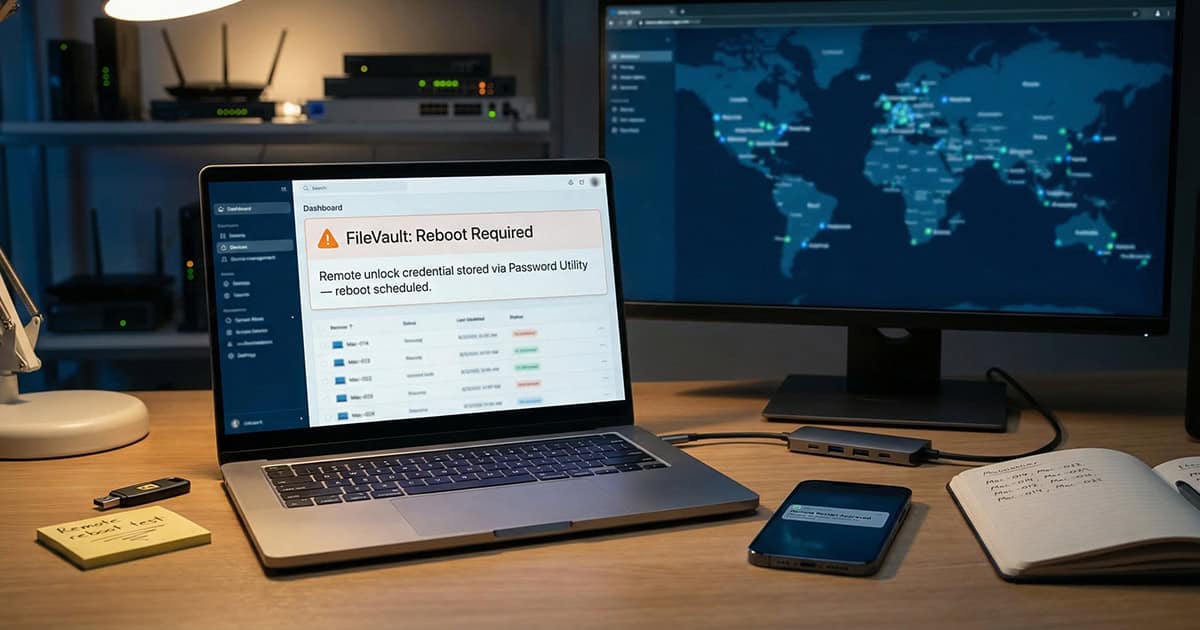
Password Utility addresses this challenge through an authenticated restart workflow. The software stages user credentials so that when the Mac reboots, it automatically unlocks FileVault and completes the boot process all the way to the macOS login window.
This means the Mac joins the network, checks in with device management servers, and most importantly, becomes accessible for remote screen sharing sessions. IT administrators can schedule macOS updates to run overnight with confidence that the devices will be reachable afterward.
The tool is specifically designed for Apple Silicon Macs and costs $10 per device annually. While the price point is modest, the time savings and reduced frustration make it particularly valuable for organizations managing distributed Mac fleets.
Additional Features Beyond Remote Reboots
Password Utility offers more than just reboot management. The software includes several quality-of-life improvements that benefit both IT teams and end users.
Touch ID Integration
One notable feature allows users to bind Touch ID to the sudo command in Terminal with a simple toggle. Instead of typing passwords repeatedly when running administrative commands, users can authenticate with their fingerprint.
This capability also supports better security practices. IT departments can enforce complex, lengthy passwords that users never actually need to type. Users authenticate with Touch ID, and Password Utility handles credential entry automatically.
Secure Token Visibility
The utility provides clear visibility into Secure Token status, helping administrators identify and resolve potential authentication issues before they become problems.
Real-World Application
The practical benefits become clear in common scenarios. Consider a Mac that needs a critical security update, but the user works remotely in a different time zone. Without Password Utility, you’d need to coordinate with the user to be present during the restart, or wait until they’re available to unlock the machine.
With Password Utility configured, the update can run automatically, the Mac reboots and unlocks itself, and you can verify everything completed successfully through remote access, all without disrupting the user’s schedule.
Another scenario involves troubleshooting a Mac that’s experiencing issues but is physically located in an office while you’re working elsewhere. Even if you’re on the same network, FileVault prevents remote access after a reboot unless someone is physically present. Password Utility eliminates this barrier entirely.
Considerations and Limitations
While Password Utility solves a genuine problem, it’s worth understanding what it does and doesn’t do. The software requires proper configuration and works specifically with Apple Silicon Macs. Organizations managing older Intel-based Macs will need to verify compatibility or explore alternative solutions.
The tool also requires initial setup on each device, which means some upfront investment of time. However, for IT teams regularly dealing with remote Mac management, this one-time configuration pays dividends quickly.
Who Benefits Most
Password Utility is particularly valuable for several types of users and organizations:
- IT departments managing remote or distributed Mac fleets
- Organizations with users working across multiple time zones
- Companies that need to maintain security compliance while enabling remote management
- Individual consultants or freelancers managing Macs for multiple clients
- Anyone who supports family members or friends with Macs remotely
The relatively low annual cost makes it accessible even for smaller organizations or individuals managing just a handful of devices.
FAQ
Q: Does Password Utility work with Intel-based Macs?
A: The utility is specifically designed for Apple Silicon Macs. Organizations with Intel-based Macs should verify compatibility with Twocanoes Software before purchasing.
Q: Does using Password Utility compromise Mac security?
A: The tool works within macOS security frameworks to stage credentials for authenticated restarts. FileVault encryption remains active and protects data at rest. However, organizations should evaluate whether the convenience aligns with their specific security policies.
Q: Can Password Utility be deployed through mobile device management systems?
A: The software can typically be deployed through standard MDM solutions, though specific implementation details should be confirmed with Twocanoes Software for your particular MDM platform.
First and Geek Verdict
Password Utility addresses a genuine pain point in Mac administration with an elegant, affordable solution. The FileVault reboot problem has frustrated IT professionals for years, and this tool finally provides a practical answer. At $10 per device annually, it’s an easy decision for anyone regularly managing remote Macs.
The bonus features like Touch ID integration for Terminal commands add value beyond the core reboot functionality, making it useful even for individual power users who occasionally need to manage their own devices remotely. While it requires initial setup time, the long-term time savings and reduced frustration more than justify the investment. For IT departments and remote Mac managers, Password Utility represents exactly the kind of practical, focused tool that solves real problems without unnecessary complexity.