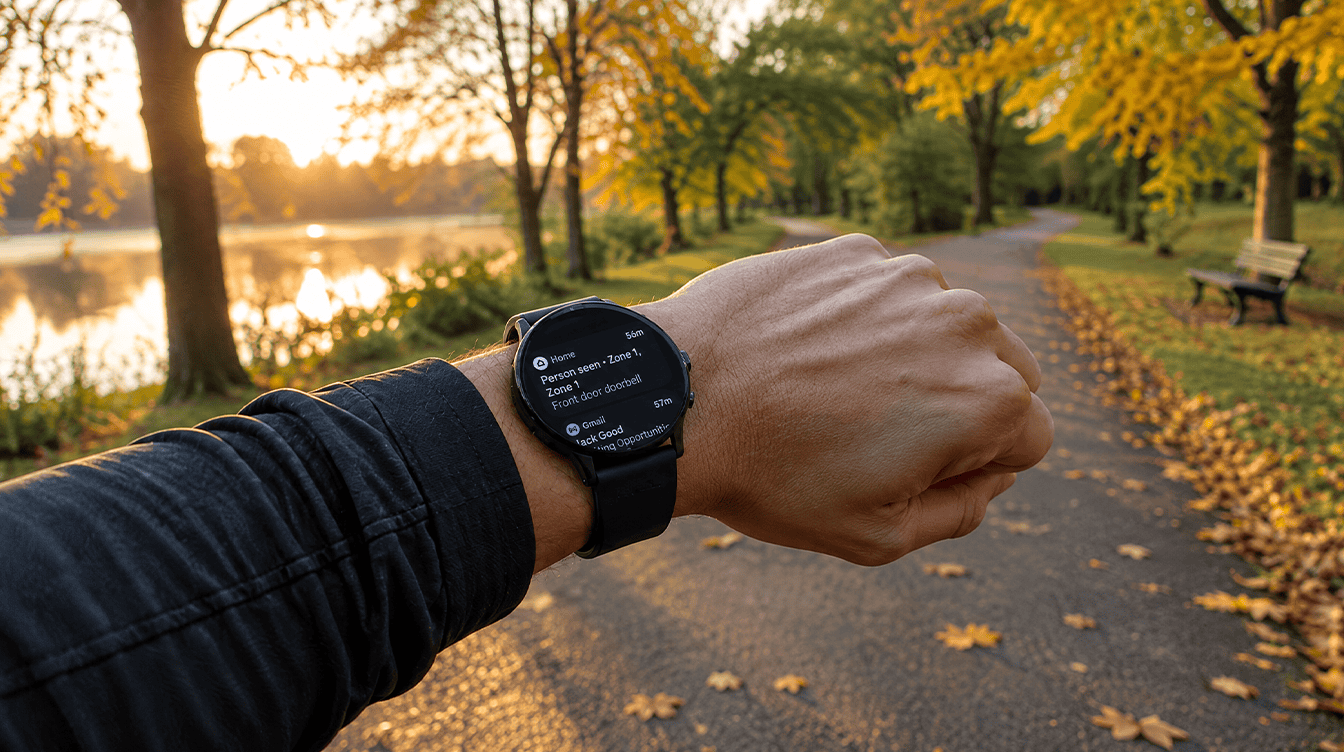
Picture a parent heading out for an early run with only a Pixel Watch on their wrist, phone left on the kitchen counter. Until now, an LTE Pixel Watch 2 or Pixel Watch 3 could still call for help in that moment even with no phone nearby and no cellular plan on the watch. That safety net for Pixel Watch emergency SOS is going away on December 12.
Google is shutting down Safety Signal, the quiet backup that let these watches use LTE in an emergency without a carrier line. The tools themselves stay, but after the cutoff they will need your phone, Wi-Fi or a paid cellular plan to reach anyone.
What changes with Pixel Watch emergency SOS on December 12
Safety Signal arrived alongside the Pixel Watch 2 as a backup for Pixel Watch emergency SOS. On LTE models, it kicked in only when the watch had neither a Bluetooth link to a phone nor its own cellular plan. In that gap, it let Emergency SOS, Safety Check, fall detection and calls to your emergency contacts go out over LTE anyway.
It was never a free add-on. You needed Fitbit Premium, which later became Google Health Premium, for the feature to work. Google shared the notice on its Pixel Watch community help forum, and the final date is December 12.
Current users get a heads-up by email and push notification. For Premium subscribers, the email lands a month ahead of the cutoff, and the feature keeps running until that window closes.
Which Pixel Watch models lose Safety Signal
This only touches a narrow slice of owners. Wi-Fi-only watches never had the feature, and anyone paying a carrier for a watch line never needed it.
| Your watch | Had Safety Signal? | What changes |
|---|---|---|
| Pixel Watch 2 LTE | Yes, with Premium | No LTE emergency backup without a plan after December 12 |
| Pixel Watch 3 LTE | Yes, with Premium | No LTE emergency backup without a plan after December 12 |
| Any Wi-Fi-only Pixel Watch | No | Nothing new |
| LTE watch with an active carrier line | Not needed | Emergency calls keep going through your plan |
What still works after the cutoff
Nothing disappears from the watch itself. Fall Detection, Emergency Sharing, Safety Check and Emergency SOS all remain. The difference is the connection they lean on. After December 12, each one needs at least one of these:
- A Bluetooth connection to your paired phone
- A Wi-Fi network the watch has joined
- An active cellular line from your carrier on an LTE model
Fall Detection is the one that matters most for families. If a hard fall leaves the wearer unable to call for help, it is supposed to raise the alarm for them. On a walk with the phone at home and no watch plan, that alert now has no route out, and the same goes for Pixel Watch emergency SOS.
What to do before Safety Signal shuts off
First, check whether anyone in your house wears an LTE Pixel Watch 2 or 3 with no phone nearby and no carrier plan. If nobody does, you can stop here. If someone does, run through these steps.
- Watch for Google’s email. Current users are being notified by email and push alert, so check your inbox.
- Decide if a watch line makes sense. Ask your carrier what adding the watch costs. For a grandparent living alone or a teen who leaves the phone behind at practice, it may be the simplest fix.
- Change the habit. If a plan is not in the budget, bring the phone on solo walks, runs and rides.
- Test your emergency contacts. Open your safety settings while the watch is paired and confirm the right people are listed, so Pixel Watch emergency SOS reaches them when a connection exists.
- Review your Premium subscription. If Safety Signal was your main reason for paying, take another look.
While you are in safety mode, it is a good moment for setting up a Google passkey on the account behind the watch.
What Google has not explained
Google has not said why Safety Signal is ending, whether a replacement is planned, or whether Google Health Premium pricing will change now that one of its more practical perks is gone.
Nor is there word on newer models getting anything similar. Until then, the safe assumption is that Pixel Watch emergency SOS works only as well as the phone, Wi-Fi or carrier line behind it.
Frequently asked questions
Can a Pixel Watch LTE work without a plan?
Not for emergencies after December 12. Safety Signal was the exception that let LTE Pixel Watch 2 and 3 models call for help without a carrier line, and once it ends you need a paired phone, Wi-Fi or an active plan.
Does Pixel Watch fall detection still work?
Yes. Fall Detection stays on the watch, but it needs a paired phone, a Wi-Fi connection or a carrier plan to send its alert.
What LTE Pixel Watch owners should do before December 12
If someone in your family counts on an LTE Pixel Watch 2 or 3 as their only lifeline on solo outings, add a carrier line or make the phone part of the plan before December 12. Wi-Fi-only owners and anyone with a watch line can skip this one. Pixel Watch emergency SOS is still there; it just needs a way out now, so give it one.