
Last Updated: February 2026 | Reading Time: 4 minutes | Author: First and Geek Editorial Team
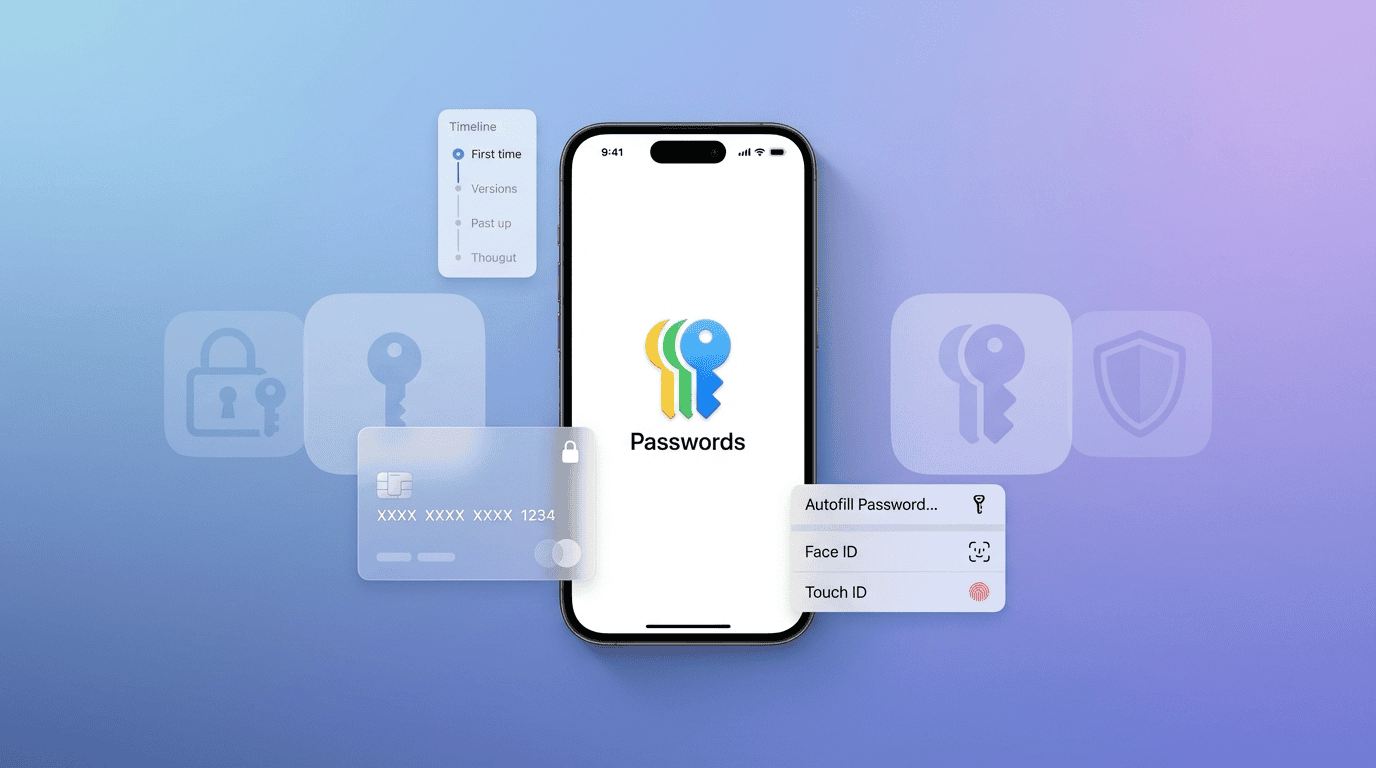
Apple’s Passwords app has evolved significantly since its debut in iOS 18, and with iOS 26, it’s reached a point where many users can confidently leave third-party password managers behind. Three key improvements in iOS 26 have transformed Apple Passwords from a useful tool into a comprehensive password management solution that handles everything from login credentials to credit card information with version history tracking.
What Made iOS 18’s Passwords App Fall Short
When Apple first introduced the dedicated Passwords app in iOS 18, it represented a major step forward from iCloud Keychain. The standalone app made managing logins more intuitive and accessible. However, it had notable limitations that kept users tethered to third-party solutions like 1Password or Bitwarden.
The most significant gap was the lack of full credit card support. While Apple’s Wallet app stored payment methods, it didn’t display complete card details for most cards, showing only the last four digits. This meant users still needed to maintain credit card information in a separate password manager whenever they needed to reference full card numbers, CVV codes, or expiration dates.
Another pain point was the absence of version history. When saved logins were accidentally overwritten before changes were confirmed on websites, there was no way to recover previous versions within Apple Passwords. This forced users to keep backup password managers just for recovery purposes.
The Three iOS 26 Features That Changed Everything
Full Credit Card Details in Wallet
iOS 26 brings the ability to manually input and view complete credit card information in the Wallet app. This includes card numbers, security codes, expiration dates, and billing addresses. You’re no longer limited to seeing just the last four digits of your cards, which eliminates one of the primary reasons users needed third-party password managers.
This enhancement makes Wallet a true repository for payment information, not just a container for Apple Pay transactions. Whether you’re shopping online, entering payment details over the phone, or need to reference your card information for any reason, everything is now accessible directly within Apple’s ecosystem.
Systemwide Credit Card AutoFill
Perhaps even more convenient than viewing full card details is iOS 26’s expanded AutoFill menu, which now includes a dedicated Credit Card option. This feature works systemwide across all apps, allowing you to quickly access and fill in payment information without leaving the app you’re using or even opening Wallet.
The AutoFill integration means you can complete purchases or enter payment details with the same ease you’ve always had with passwords. It’s the kind of seamless experience that makes third-party tools feel unnecessary for most everyday tasks.
Version History for Saved Logins
The Passwords app in iOS 26 now includes version history for all saved logins. This feature addresses one of the most frustrating scenarios: when a password gets accidentally changed or overwritten before you’ve confirmed it works on the actual website.
With version history, you can view and restore previous versions of any saved login. This safety net removes the need to maintain a backup password manager for recovery purposes, giving you confidence that your login information is both secure and recoverable if something goes wrong.
The Case for Consolidating to Apple Passwords
These three improvements collectively address the primary weaknesses that kept users dependent on third-party password managers. For anyone already invested in the Apple ecosystem, consolidating to Apple Passwords offers several advantages beyond just the new features.
First, there’s the simplicity of having one less subscription to manage. While some password managers offer free tiers, the full-featured versions typically require annual payments. Apple Passwords is included with your device at no additional cost.
Second, the native integration with iOS, iPadOS, and macOS means you don’t need to install browser extensions or manage separate apps across platforms. Everything syncs automatically through iCloud, and the experience feels cohesive because it’s built directly into the operating system.
Third, security updates and improvements come directly from Apple as part of regular OS updates. You’re not relying on a third-party company’s development schedule or hoping they remain in business long-term.
When You Might Still Need a Third-Party Manager
While iOS 26 has made Apple Passwords sufficient for many users, there are scenarios where third-party password managers still offer advantages worth considering.
If you regularly work across multiple platforms, particularly Windows or Android devices, third-party managers with dedicated apps for all platforms may provide a more consistent experience. Apple does offer iCloud Passwords for Windows, but the implementation isn’t as seamless as native Apple platforms.
Power users who need advanced organizational features like nested folders, tags, or custom categories may find Apple Passwords too simplistic. The app’s organizational structure is straightforward but not particularly flexible for complex password management needs.
Additionally, features like secure note storage, document attachments, or shared vaults for families and teams remain areas where dedicated password managers offer more robust solutions. Apple Passwords focuses primarily on credentials and payment information rather than broader secure storage.
FAQ
Q: Can I import my existing passwords from 1Password or LastPass into Apple Passwords?
A: Yes, most password managers allow you to export your data as a CSV file, which you can then import into Apple Passwords through Safari’s settings on Mac or through the Passwords app settings on iOS. The process varies slightly depending on which manager you’re switching from, but Apple provides import functionality for standard formats.
Q: Is Apple Passwords secure enough to replace dedicated password managers?
A: Apple Passwords uses end-to-end encryption for all stored data, meaning even Apple cannot access your passwords. It’s protected by your device passcode and biometric authentication, and syncs securely through iCloud with the same encryption standards. From a security perspective, it’s comparable to reputable third-party managers.
Q: Does Apple Passwords work on Windows computers?
A: Apple offers the iCloud Passwords extension for Windows users who want to access their passwords in Chrome or Edge browsers. However, the experience isn’t as integrated as on Apple platforms, and you’ll need to have iCloud for Windows installed.
Q: Can multiple family members share passwords through Apple Passwords?
A: As of iOS 26, Apple Passwords supports password sharing with individuals, but it doesn’t offer the same type of shared vaults or family management features found in dedicated password managers. You can share specific passwords with family members through iCloud sharing, but there’s no centralized family password repository.
First and Geek Verdict
iOS 26 has matured Apple Passwords into a genuinely capable password management solution that can stand on its own for most users. The addition of full credit card support, systemwide AutoFill for payment information, and version history for logins collectively address the key gaps that previously required third-party alternatives. If you’re primarily working within the Apple ecosystem and your needs center on password and payment management rather than advanced organizational features or cross-platform consistency, iOS 26’s Passwords app offers a compelling reason to simplify your digital life. The native integration, automatic updates, and included-at-no-cost model make it an attractive option that’s worth reconsidering, even if you previously dismissed it in favor of established third-party managers.