

Last Updated: February 2026 | Reading Time: 4 minutes | Author: First and Geek Editorial Team
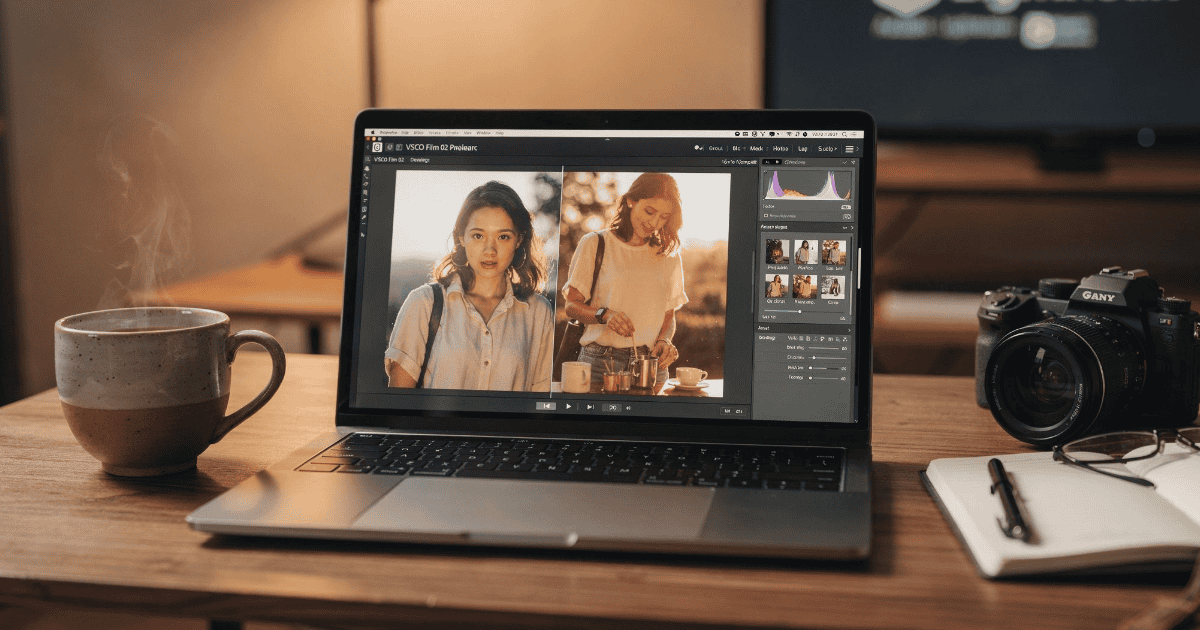
VSCO has brought back its classic Film 02 preset pack for Adobe Lightroom users, offering a limited-time opportunity to add analog film aesthetics to digital photography. This collection emulates iconic film stocks from Kodak, Fuji, and Ilford, and has been updated to support modern camera systems.
What’s in the VSCO Film 02 Pack
The Film 02 Pack delivers multiple variations of color and black-and-white presets designed to recreate the distinctive look of classic analog film. For photographers who appreciate the aesthetic qualities of traditional film photography but work with digital RAW files, this collection bridges the gap between old and new.
According to VSCO, the standard presets are compatible with any camera supported by Adobe Lightroom, including both RAW and JPEG files. Each film emulation includes multiple variations marked as (+), (++), and (–) to simulate different contrast and tonal characteristics of the same film stock, giving users flexibility in achieving their desired look.
Who Can Access the Pack
The Film 02 Pack is available exclusively to active VSCO Pro subscribers on either monthly or annual plans. If you’re currently on a free trial, you’ll need to contact VSCO support directly to gain access to the pack, as the automatic download isn’t available to trial users.
This limited-time release represents a return of presets that were originally popular among photographers years ago. The pack has been updated by Zach Hodges, VSCO’s photographer evangelist and the creator behind the original VSCO presets, specifically to ensure compatibility with modern camera systems and current versions of Adobe’s software.
Where You Can Use These Presets
The VSCO Film 02 Pack works across multiple Adobe applications, giving photographers flexibility in their workflow. You can use these presets in Lightroom Classic, the cloud-based Lightroom, and Photoshop through Adobe Camera Raw.
VSCO and Hodges have released a step-by-step tutorial that walks users through the installation and usage process across all three applications. This guide should help both experienced Lightroom users and those newer to preset-based editing get up and running quickly.
Why Film Emulation Still Matters
In an era of computational photography and AI-powered image processing, the appeal of film emulation presets might seem counterintuitive. However, many photographers appreciate the specific color science, grain structure, and tonal response that characterized different film stocks.
Film stocks like Kodak Portra, Fuji Pro 400H, and various Ilford black-and-white films each had distinct personalities that influenced how images felt. These presets attempt to recreate those characteristics while maintaining the practical advantages of digital photography, including the ability to shoot in RAW format and maintain full control over exposure, color balance, and other adjustments.
For photographers who shot with these film stocks in the past, the presets offer a way to maintain visual consistency between their analog archives and current digital work. For those who never shot film, they provide an accessible entry point to aesthetic choices that have been refined over decades of photographic history.
Practical Considerations
While film emulation presets can be powerful creative tools, they work best when used as starting points rather than one-click solutions. The varied lighting conditions, camera sensors, and subject matter in digital photography mean that presets typically require some adjustment to achieve optimal results.
The inclusion of multiple variations for each film stock (+, ++, and –) acknowledges this reality, giving you different intensity levels to choose from before making additional manual adjustments. Since the presets work with RAW files, you retain complete flexibility to modify any aspect of the image after applying the preset.
The limited-time nature of this release means photographers interested in adding these presets to their toolkit should act relatively quickly. VSCO hasn’t specified exactly when the pack will become unavailable again, which is common practice for limited releases designed to create urgency among subscribers.
FAQ
Q: Do I need a VSCO Pro subscription to use the Film 02 Pack?
A: Yes, the Film 02 Pack is only available to active VSCO Pro subscribers with monthly or annual plans. Users on free trials need to contact VSCO support separately for access.
Q: Will these presets work with my camera?
A: The standard presets reportedly work with any camera supported by Adobe Lightroom, including both RAW and JPEG files from modern camera systems.
Q: Can I use these presets in Photoshop?
A: Yes, the Film 02 Pack works in Photoshop through Adobe Camera Raw, in addition to Lightroom Classic and the cloud-based Lightroom application.
Q: How long will this pack be available?
A: VSCO has indicated this is a limited-time release but hasn’t specified an exact end date. Interested users should download the pack sooner rather than later.
First and Geek Verdict
The return of VSCO’s Film 02 Pack offers a practical option for photographers who value the aesthetic qualities of classic film stocks but work primarily in digital formats. The updated compatibility with modern cameras and the availability across multiple Adobe applications makes this a more versatile tool than when these presets were first released.
For VSCO Pro subscribers who already work in Lightroom or Photoshop, this limited-time release is worth exploring, particularly if your photographic style aligns with the look of analog film. The multiple variations included with each preset provide enough flexibility to adapt these emulations to different shooting conditions and personal preferences. Just remember that presets work best as creative starting points that still benefit from thoughtful adjustments based on each individual image.