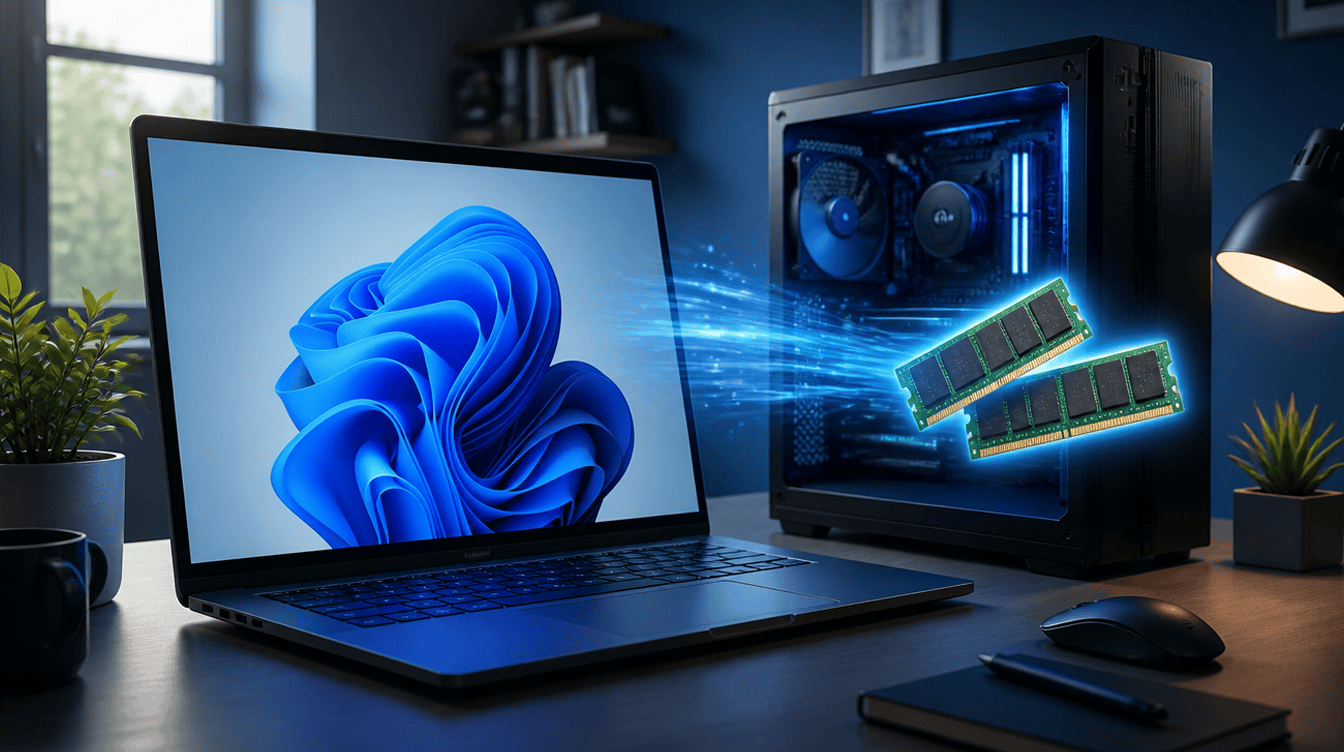
Yes, a laptop with windows 11 8gb ram is about to get noticeably more breathing room. Microsoft’s October 15 Windows announcement says the system can now hold up to 2GB more of your active work in memory, and the company says machines with 8GB are where the difference shows up most.
That matters because so many family PCs, school laptops and budget desktops ship with exactly that amount. If yours has started to feel sluggish when a few browser tabs, a video call and a homework app are all open, this change is aimed squarely at you.
What Microsoft changed for windows 11 8gb ram machines
Microsoft listed several tweaks in its official Windows Experience Blog announcement. The memory-related ones are the headline for lower-spec computers:
- Smarter memory handling. Up to 2GB of the data you are actively using can stay in fast memory rather than getting pushed out to the slower drive.
- Widgets that wait their turn. On a PC with 8GB of memory or less, the Widgets board now loads only when you open it, which frees more than 200 MB.
- A lighter background load. Microsoft says shrinking how much memory Windows itself uses behind the scenes is now an explicit goal.
- Snappier everyday tools. The company claims Windows is up to 20% more responsive overall.
That 20% figure comes from timing Start, Search, right-click menus, Settings, Snipping Tool and File Explorer on build 26300.9550 against the older build 26200.7628. Microsoft adds that real-world results will vary.
How the memory trick works in plain English
Think of RAM as the kitchen counter and your SSD or hard drive as the pantry. When the counter fills up, Windows starts shuffling things back to the pantry, and fetching them again takes time. That shuffle is the stutter you feel when you switch back to a tab that was open an hour ago.
Microsoft’s change keeps more of what you are working on sitting on the counter. On a 16GB or 32GB machine the counter is already roomy, so you may barely notice. On a windows 11 8gb ram laptop, every bit of space counts, which is why the gains should be easier to feel there.
The Widgets change follows the same logic. Plenty of people never open that panel, yet it used to load anyway. Now it stays parked until someone actually clicks it, handing that memory back to whatever you are doing on a windows 11 8gb ram PC.
Why Microsoft is focusing on lower-memory PCs
Microsoft frames the update as part of a push for a faster and more dependable Windows, built with feedback from its Insider testers. The same announcement promises fewer restarts from Windows Update, more control over when updates happen, quicker Windows Hello sign-ins and AirPods pairing that is up to 15 seconds faster.
Read together, the message is simple: Microsoft wants the PCs people already own to feel better, not just the newest hardware. A typical windows 11 8gb ram setup is exactly the kind of machine in its sights. For a household with one shared laptop, that is a welcome shift in priorities.
What it means for your family’s computers
Microsoft says the improvements are beginning to roll out broadly, with more coming later. Timing can differ by device and region, so one PC in your home may get the changes before another. Keeping Windows Update switched on is the easiest way to make sure you receive them. If you are still on an older release, our guide to Windows 11 24H2 losing support explains why staying current matters.
For a parent weighing whether a kid’s school laptop with windows 11 8gb ram is still good enough, this nudges the answer toward yes for everyday work: browsing, documents, video lessons and light photo edits. Heavy gaming or video editing is a different story, and Microsoft makes no claims about those.
Shopping for a new machine anyway? Our look at whether the Surface Laptop 7 beats the MacBook Air covers what to weigh beyond memory.
Common misconceptions about the update
It does not add memory. A windows 11 8gb ram computer still has 8GB after the update. Windows is simply using that space more wisely, so a computer that truly needs more RAM for big creative apps will still need it.
The numbers are ceilings, not promises. Every figure Microsoft shared is an “up to” value, and the footnotes say results depend on configuration and usage.
Microsoft has not named a version. The post points to build numbers rather than a feature update name, and it does not say which month’s update delivers each piece.
Questions families ask about Windows 11 and 8GB
Is 8GB RAM enough for Windows 11?
For everyday tasks like browsing, email, homework and streaming, yes, and Microsoft’s latest changes are designed to make 8GB machines feel quicker. Demanding games and video editing still benefit from more memory.
Why is Windows 11 slow on 8GB RAM?
When memory fills up, Windows moves data to the slower drive and has to pull it back later, which causes lag. The new memory handling keeps up to 2GB more active data in RAM to reduce that.
Do I need to do anything to get the faster Windows 11?
Not really. Microsoft says the improvements are rolling out broadly, so keeping Windows Update turned on is the main step, though timing varies by device and region.
Should you hold off on replacing an 8GB laptop?
If the only complaint about your windows 11 8gb ram PC is everyday sluggishness, let this update land before you spend money on a replacement. Families who edit video or play demanding games should still budget for more memory. Sometimes the best upgrade is the one that arrives for free overnight.