

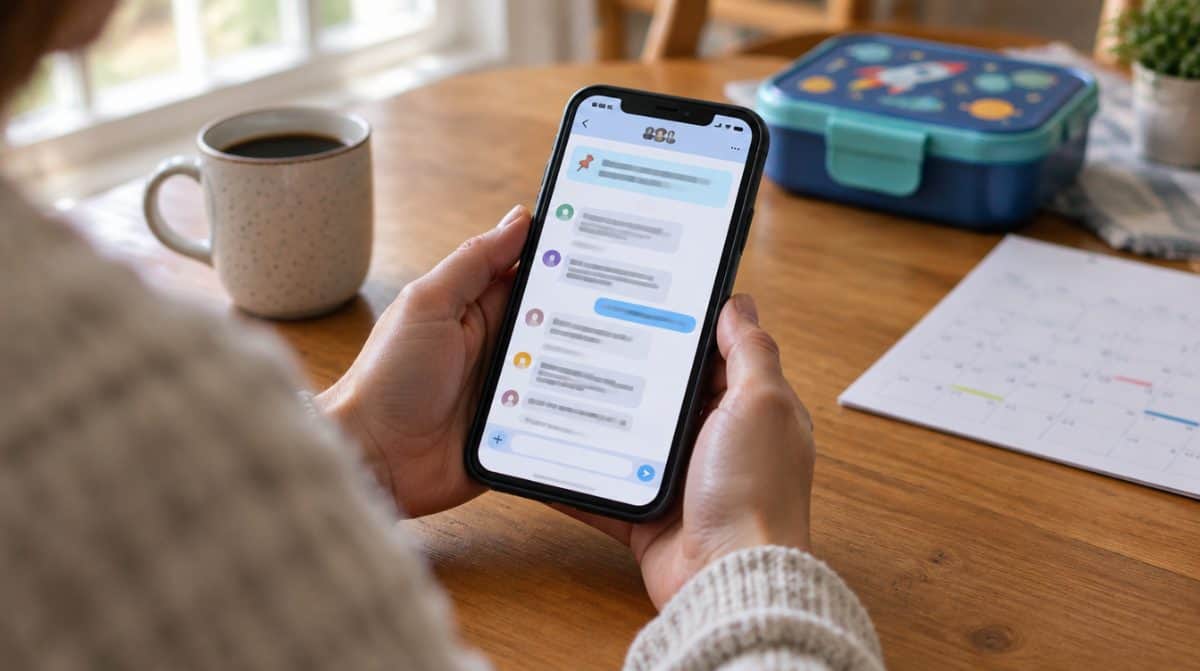
Until this week, every pinned WhatsApp message came with an expiry date. You picked 24 hours, 7 days or 30 days, and once that window closed, the carpool schedule or the address for Saturday’s party slid back into the scroll. Now you can pin message in WhatsApp group chats and simply leave it there, with no timer at all.
WhatsApp confirmed the change on October 29, 2026, as one of four upgrades aimed at busy group chats. The other three are a filter for mentions and replies, a way to share older messages with someone who already joined, and status updates that only one group can see. Here is how each one works, starting with how to pin message in WhatsApp group conversations for good.
What is new in WhatsApp groups this month
The update came through a short post on the official WhatsApp blog. These are the four changes, in plain terms:
| Feature | What changed | Who it helps most |
|---|---|---|
| Pin forever | Pinned messages no longer need a time limit chosen in advance | Group admins and anyone sharing rules, dates or addresses |
| Mentions and replies filter | Shows only unread group chats where someone tagged you, replied to you, or used @all | People in lots of noisy groups |
| Send history after joining | Recent messages can be shared with a member after they are already in the group | Anyone who adds a relative or teammate mid-conversation |
| Group status | A status that only members of one group can see, react to and answer with their own | Clubs, teams and family groups |
Like most WhatsApp changes, these may not reach every phone on the same day. If something below is missing, update the app from the Play Store or App Store and check again in a few days.
How to pin message in WhatsApp group chats with no time limit
Pinning itself works the way it always has. The difference is the choice you get at the end, and you do not need a separate setting to pin message in WhatsApp group chats permanently. To pin message in WhatsApp group threads on either platform:
- Open the group and find the message you want to keep at the top.
- Press and hold that message until the action menu appears.
- On Android, tap the three-dot menu if Pin is not shown right away. On iPhone, Pin sits in the list that pops up.
- Tap Pin, then pick how long it should stay. The new option keeps it pinned until someone removes it.
WhatsApp’s post does not spell out the exact label of the new choice, so the wording on your screen may differ slightly between Android and iPhone. The idea is the same either way: when you pin message in WhatsApp group chats now, you no longer have to guess how long a message will matter before it disappears from the banner.
A few good things to pin for good. House rules for a neighborhood group, the school pickup rota, a shared grocery list link, the Wi-Fi password for a holiday rental, or the group’s naming theme if you picked one from our list of WhatsApp group names for friends and family.
When a permanent pin stops being useful, unpin it the same way: press and hold the pinned message and choose Unpin. A forever pin is only forever until someone in charge tidies up, so review your pins now and then and clear out the ones that are no longer current.
Catch up faster with the mentions and replies filter
The second change targets anyone who mutes busy groups and then misses the one question meant for them. A new chat filter collects every unread group conversation where you were tagged, got a direct reply, or were included in an @all message.
It sits with the other chat filters at the top of your chat list, next to options such as Unread and Groups. Tap it after a long day and you see only the threads that actually need you, not 200 messages about who is bringing dessert.
Let new members see old messages after they join
Earlier in 2026, WhatsApp started letting you include recent chat history when you add someone to a group. The catch was timing: forget at that moment and the newcomer started with a blank screen.
Now you can fix that later. Tap the person’s name inside the group chat and send them recent messages after the fact. WhatsApp says the shared history stays end-to-end encrypted, the same as the rest of the conversation. This pairs nicely with a long-term pin. If you pin message in WhatsApp group chats before inviting someone, the new arrival gets the backstory and the key details in one go.
Share a WhatsApp group status with just one group
Regular status updates go to your contacts. Group status narrows that to the members of a single group. Everyone in it can view the update, react, and post a status of their own back, and every one of them vanishes after 24 hours.
Think of a soccer team sharing photos from the weekend match, or cousins posting holiday snaps without sending them to every work contact in the phone. It keeps casual updates casual and out of the main chat.
Limits and privacy points worth knowing
- Rollout timing. WhatsApp has not given a date for when every account gets all four features.
- Pin limits. The announcement does not say whether the number of messages you can pin at once has changed.
- Who controls pins. WhatsApp did not describe new admin controls for permanent pins, so check your group settings if only admins should be able to pin message in WhatsApp group chats.
- Status privacy. A group status is visible to everyone in that group, including members you do not know well, so treat it like posting in the chat itself.
The same post also flags three older tricks many people overlook: replying privately to one person from inside a group, switching off multiple answers in polls, and member tags that add a bit of context about who you are. WhatsApp keeps adding ways to make groups friendlier, including the guest chats test for people without an account.
Frequently asked questions
Can you pin a message on WhatsApp forever?
Yes. Since WhatsApp’s October 29, 2026 update, you can keep a pinned message in place without choosing a time limit first. It stays until someone unpins it.
Can new members see old messages in a WhatsApp group?
Not automatically. You can share recent history when you add someone, and now you can also send it later by tapping their name in the group chat.
Who can see a WhatsApp group status?
Only the members of that group. They can view it, react and add their own status, and each one disappears after 24 hours.
Should you start using permanent pins in your groups?
If you run a family, school or club group, yes. Learning to pin message in WhatsApp group chats without a timer takes seconds, and the details people keep asking about can finally stay put. Casual members can lean on the mentions filter and skip the rest. Pin once, answer the same question zero more times.