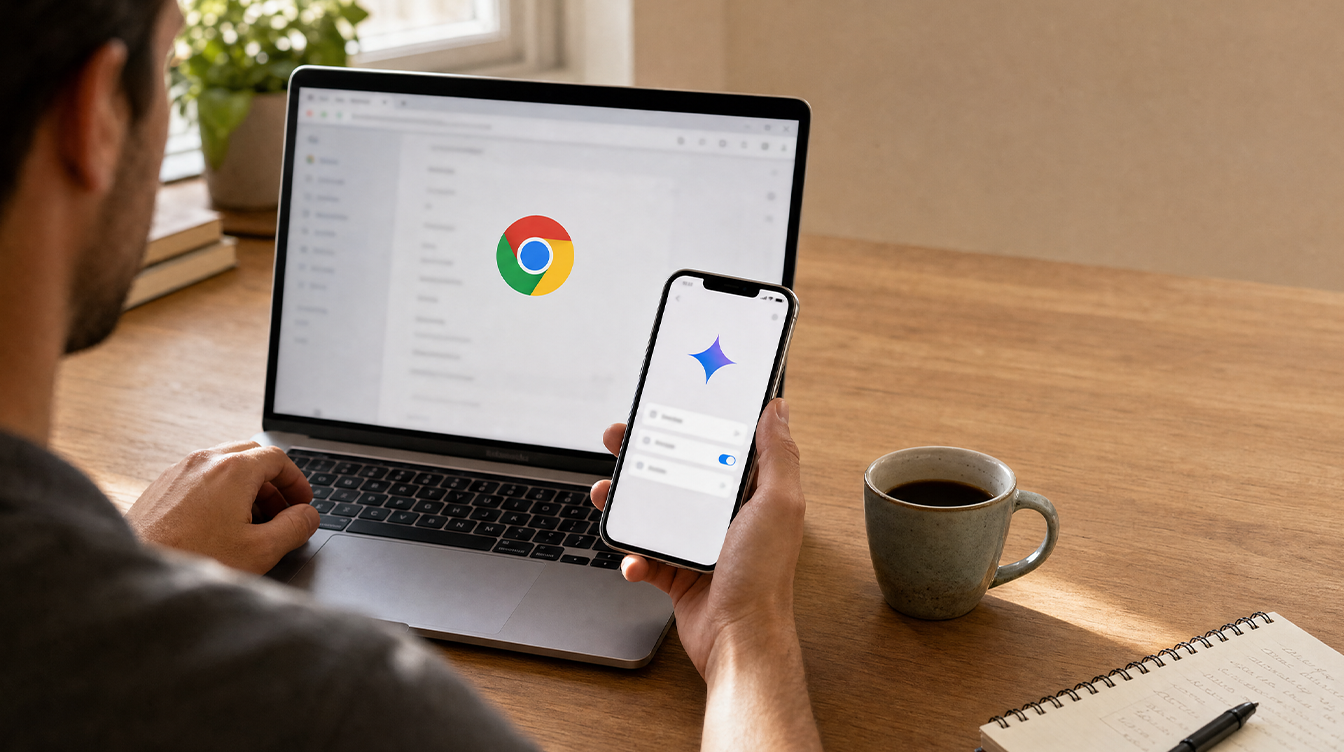
To turn off Gemini in Chrome on a computer, open Chrome’s settings, go to AI innovations, then Gemini in Chrome, and switch off Share current tab by default along with the Gemini button. On a phone, the controls are thinner, and on an iPhone Google’s own advice for disabling it completely is to sign out of Chrome or browse in Incognito.
Why would anyone want to turn off Gemini in Chrome? Once you start using the assistant, it reads the page in front of you automatically. Google’s help page states it plainly: “By default, Gemini in Chrome uses content from your current tab for its response.” If your family shares a laptop that is often open to banking, health or school portals, that default deserves a second look.
What Gemini in Chrome sees by default
Before you decide, it helps to know what the assistant actually reads. Gemini is not switched on behind your back. The first time you click Ask Gemini at the top of the browser, Chrome asks you to opt in. After that, every question you type is answered using the tab you are looking at, and you can attach up to 10 more open tabs to the same conversation.
There is a second default many people miss. A setting called Media understanding lets Gemini answer questions about audio and video you have already played in the browser, and Google ships it turned on.
How to turn off Gemini in Chrome on Windows, Mac and Chromebook Plus
The desktop version gives you the most control, and every switch sits on one settings page.
- Open Chrome and click the three-dot More menu in the top-right corner.
- Choose Settings, then AI innovations, then Gemini in Chrome. You can also paste chrome://settings/ai/gemini into the address bar.
- Under Permissions, turn off Share current tab by default. While you are there, check Precise location, Microphone and Let Gemini browse for you, and switch off anything you do not use.
- Find Media understanding and turn that toggle off as well.
- Under Preferences, switch off Show Gemini at the top of the browser. On Windows, also turn off Show Gemini in system tray and turn on keyboard shortcut. On a Mac, the matching option is Show Gemini in Mac menu bar and turn on keyboard shortcut.
A faster way to hide the button. Right-click the top strip of the Chrome window and pick Unpin Gemini. Choose Pin Gemini from the same menu if you change your mind later.
To be clear about what this does: Google’s help page lists these four kinds of switches but does not describe one master switch that removes the feature. Following the steps above is the closest you can get to the moment you turn off Gemini in Chrome on a computer. The assistant stops reading your tab unless you ask, stops listening to media, and disappears from the toolbar.
Stop sharing a tab in the middle of a chat
Perhaps you still want Gemini around, just not peeking at a particular page. Click Show shared tabs, just over the typing area, and hit Remove tab beside any page you want kept private. Shared tabs carry a checkmark, so it is easy to see what the assistant can read.
Gemini in Chrome on Android: stopping page sharing
On Android, you reach the assistant by tapping Ask Gemini, or by tapping More and then Ask Gemini. As on desktop, the page you have open is shared once you are in a chat.
To cut that link, tap Stop sharing in the text box, or tap the stop sharing icon inside the chat. Close the panel with the Close button on the right of the chat box. For now, that button is the nearest thing Android offers if you want to turn off Gemini in Chrome for a single page.
Google’s Android help page does not list a settings path to turn off Gemini in Chrome entirely on phones. Since you have to opt in on first use, the simplest protection is never tapping that button. The phone version also has stricter requirements: you must be 18 or older, use English as your device language, and have Android 12 or later on a phone with at least 4GB of RAM.
What iPhone and iPad owners can do
On Apple devices, Gemini sits under Page tools at the top of Chrome, with a second route through More and Ask Gemini. Your current page is shared by default here too.
You have three ways to limit or turn off Gemini in Chrome on Apple devices:
- Keep one page private: tap Stop sharing current page. If you change your mind, the Ask about page button over the chat box brings it back.
- Shut the panel: use the Close button beside the chat box.
- Disable it fully: Google’s iPhone help suggests either signing out of Chrome or browsing in an Incognito tab, because the feature only works for signed-in users.
Signing out is a blunt tool for one feature. If you already prefer Chrome over Safari on your iPhone, our look at how switching from Safari to Chrome is getting easier covers the trade-offs of making it your main browser.
Rules for kids and teens
Parents should know the age limits differ by device. On computers, iPhones and iPads, Gemini in Chrome is open to anyone aged 13 or over (or the minimum age in your country). Android requires users to be 18.
| Device | Minimum age | Main privacy control |
|---|---|---|
| Windows, Mac, Chromebook Plus | 13 | Share current tab by default toggle |
| Android phone | 18 | Stop sharing button in the chat |
| iPhone and iPad | 13 | Stop sharing current page, or sign out |
Teens under 18 get a trimmed version. They cannot use Live conversations, cannot switch on the microphone or closed captions, and cannot use auto browse. Work or school accounts belonging to adults need an administrator’s approval before the feature appears at all.
Google has not said whether parents can block Gemini in Chrome through Family Link, and its help pages do not mention it. If a teen’s laptop worries you, sign in as them and turn off Gemini in Chrome using the desktop steps above, starting with the Share current tab by default toggle.
Curious how Google’s assistant is spreading beyond the browser? Our explainer on Siri getting Google Gemini integration shows where else it now turns up. For the full list of options, see Google’s official Gemini in Chrome help page.
Frequently asked questions
Why is Gemini in Chrome not showing?
Usually because one requirement is missing. You need the latest Chrome, a signed-in account outside Incognito, a supported region and language, and on desktop a Windows PC, Mac or Chromebook Plus.
Can you turn off Gemini in Chrome on iPhone?
Partly. You can tap Stop sharing current page in any chat, and Google says signing out of Chrome or using Incognito mode disables the feature entirely.
Does Gemini in Chrome work in Incognito mode?
No. Gemini in Chrome needs you to be signed in, and it is not available in Incognito windows on any platform.
Should you turn off Gemini in Chrome on a shared computer?
If several people use one laptop, or it often sits on banking and medical sites, yes: switch off tab sharing and media understanding, then unpin the button. If you enjoy quick summaries of long articles and recipes, keep Gemini but make sharing something you choose each time. The assistant works best when it only sees what you hand it.