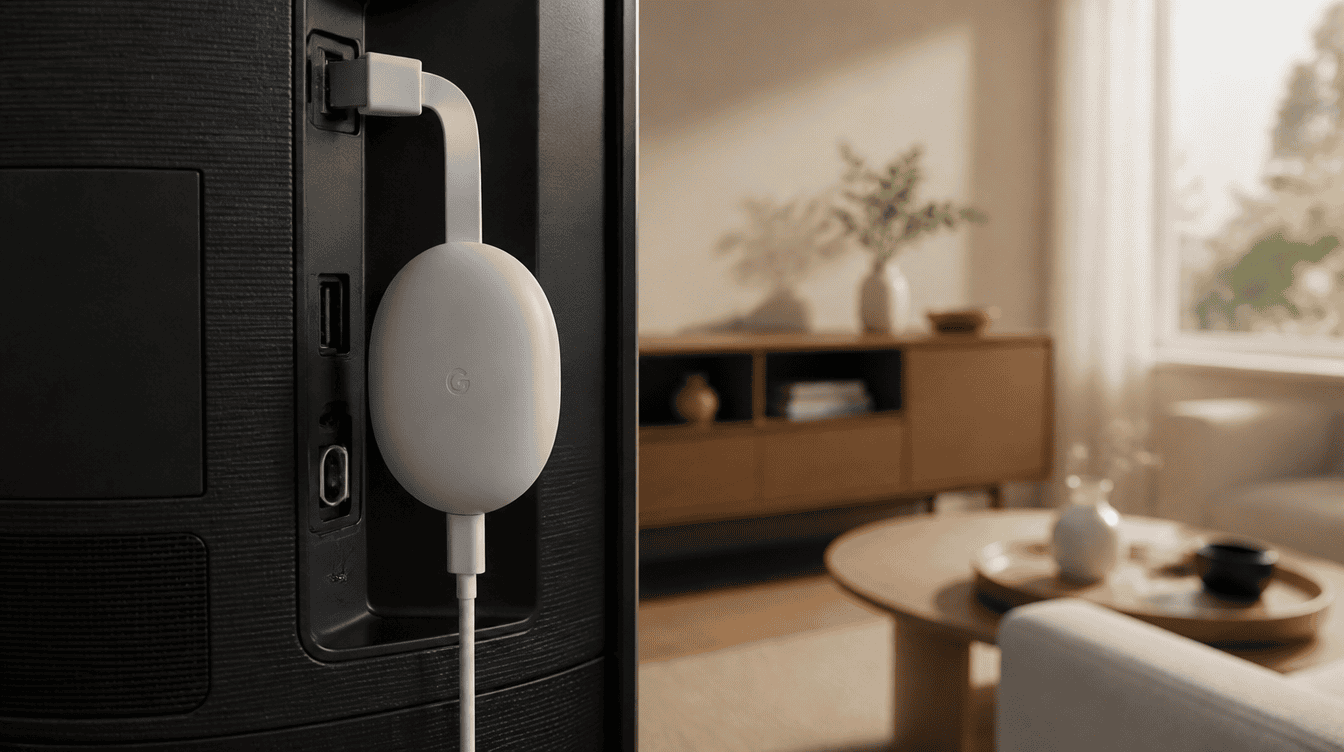
Yes, there is a new chromecast with google tv update, and you can install it today if you own the 4K model: open Settings, go to System, then About, and pick System update. The new build, UTTA.260813.002, jumps the little streamer from an October 2025 security patch to the August 2026 one.
That matters more than it sounds. The 4K dongle had gone roughly 11 months without any software at all, and plenty of families still keep one tucked behind the living room TV. Owners of the cheaper HD version are left out of this round, at least for now.
What the new Chromecast build actually changes
Do not expect a fresh home screen or a new remote trick. Google describes this chromecast with google tv update in two short lines: a newer Android security patch and “other bug fixes and performance improvements.” There are no headline features to go hunting for once it installs.
The security piece is the real reason to care. A streaming stick is a small computer that sits on your home network, logs in to your accounts and runs apps your kids tap on all evening. Running on a security patch that is about a year old is a long stretch for something like that, so catching up is worth five minutes of your time.
| Device | Getting this release? | Security patch after updating |
|---|---|---|
| Chromecast with Google TV (4K) | Yes, rolling out now | August 2026 |
| Chromecast with Google TV (HD) | Not yet | Stays on October 2025 |
| Google TV Streamer | Not part of this release | No change from this rollout |
How to get the chromecast with google tv update
Most of these streamers patch themselves overnight without asking. If yours has not picked up the new build yet, or you would simply like to be sure, you can nudge it along with the remote.
- Turn on the TV and press the Home button so you land on the main screen.
- Open Settings (on some setups the entry reads All settings).
- Choose System, then About.
- Select System update and let it check. If the new software appears, start the download and leave the device plugged in until it restarts.
Keep the TV input on the Chromecast while it installs, and avoid pulling the power cable halfway through. A restart at the end is normal.
Check the firmware version from your phone
No remote handy, or someone else is watching? The Google Home app shows which build you have. Go to the Home tab, open All devices, then touch and hold the Chromecast tile. Tap Settings, choose Device information and look under Technical information for the System firmware version. If it reads UTTA.260813.002, the chromecast with google tv update is already in place.
Manual install for tinkerers
Google’s Chromecast firmware support page points advanced users to the Chromecast Security Bulletin for manual download instructions. That route is aimed at people comfortable with developer tools. For everyone else, the Settings menu is the way to go.
If the chromecast with google tv 4k update will not show up
Google pushes each chromecast with google tv update out in stages, so one household may see it today and the next a few days later. Before assuming anything is broken, run through the basics.
- Confirm the model. Only the 4K Chromecast is in this wave. The HD version will report that it is up to date, and that is expected.
- Check the connection. The device needs a working Wi-Fi link to download anything, so open a streaming app and make sure video plays.
- Restart it. Unplugging the power for a moment and plugging it back in gives the update check a clean start.
- Try again later. If System update still finds nothing, give the staged rollout a few days before worrying.
Why the HD model is waiting
This is the odd part of the story. Google has usually updated both Chromecast models together, yet this time only the 4K version got new software. Google has not explained the split, and it has not said whether a matching chromecast with google tv update for the HD model is on the way.
Our read is that HD owners should keep an eye on the System update screen over the coming weeks rather than replace anything right away. The device still streams fine. It simply sits on a patch that is now about a year old, which is a fair reason to consider a newer box when it is time to upgrade anyway.
What this says about Chromecast support
The Google TV Streamer has replaced the 4K Chromecast in Google’s lineup, so the older stick is clearly in its later years. An 11-month gap between releases suggests updates will stay infrequent. Even so, this chromecast with google tv update shows Google has not walked away from the hardware, which is good news if you bought one for a bedroom or the grandparents’ TV.
Shopping for a replacement? Our guide to choosing a streaming device covers what to weigh up before you buy, from remotes to 4K support.
Frequently asked questions
Does the latest Chromecast update add new features?
No. Google lists only a newer Android security patch plus bug fixes and performance improvements, so your home screen and apps will look the same afterward.
Why does my Chromecast with Google TV HD say it is up to date?
Because the HD model is not part of this release. Only the 4K version is receiving the August 2026 security patch, and Google has not shared a date for the HD model.
Do I have to update my Chromecast manually?
Usually not. The device installs updates on its own, but you can trigger a check under Settings, System, About and System update if you want it right away.
Is the chromecast with google tv update worth installing now?
If you own the 4K model, yes: take five minutes tonight and run the chromecast with google tv update, since a year-old security patch is not something to leave sitting on your home network. HD owners can skip the hunt for now and check back in a few weeks. Old streaming sticks rarely get headlines, but they still deserve their locks changed.