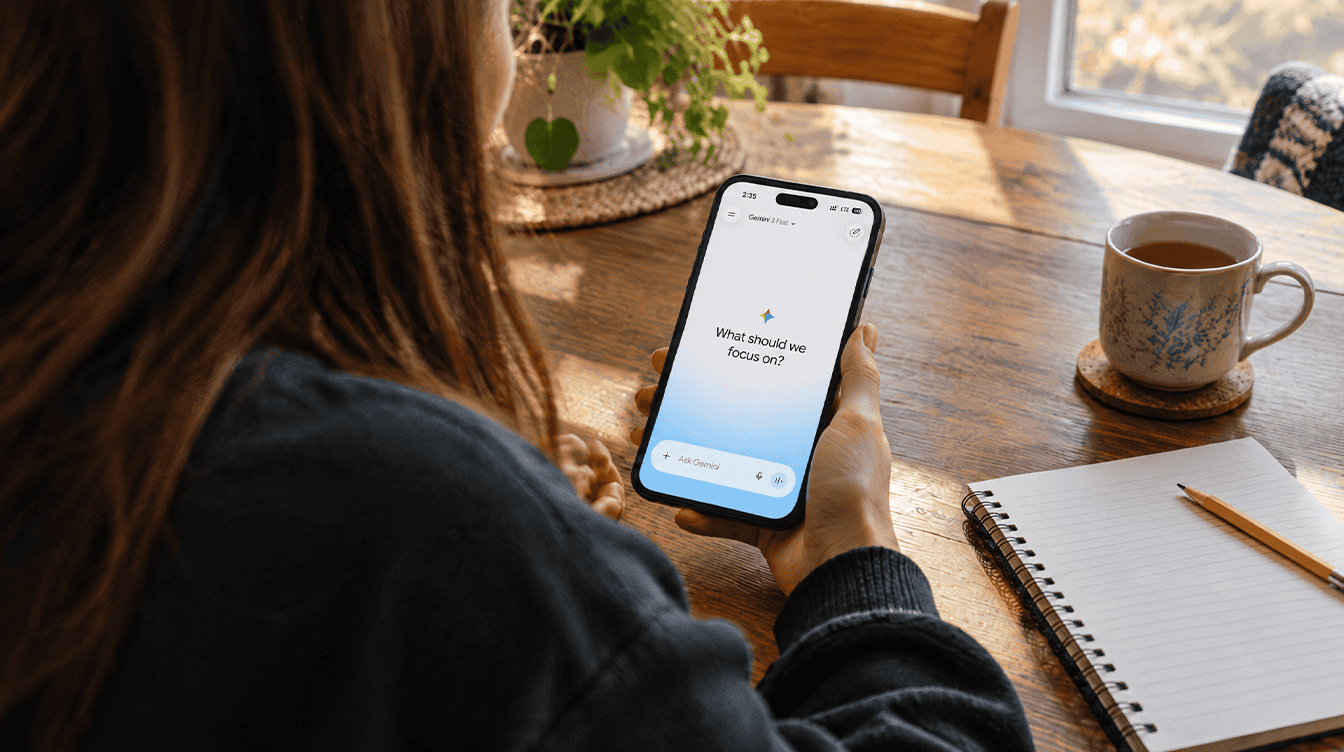
Until this week, a free Gemini account came with a model picker, and you could tap your way to a stronger model when a question felt tricky. Since October 9, that choice is gone. The Gemini free plan limits now start with a single setting called Auto, and Google decides which model answers each prompt.
For most families, the change is easy to miss. Quick questions still get quick answers. The catch is that free accounts no longer choose between Flash-Lite, Flash and Pro, and the heavier features you lean on can burn through your allowance faster than before.
What changed for free accounts on October 9
Google’s Gemini help page on model access and limits lays out the new setup for personal accounts. Anyone without a Google AI subscription gets Auto and nothing else. Paying subscribers on AI Plus, AI Pro and AI Ultra keep access to all three models: Flash-Lite, Flash and Pro.
Auto sends the bulk of your prompts to Flash-Lite, which Google calls its fastest model. When a request needs more reasoning, Auto may hand it to Flash or Pro instead. You can switch smart model selection off, but on a free account that simply locks every reply to Flash-Lite.
AI Plus members will get an email from Google with their own effective date.
How Gemini free plan limits work now
The allowance is not a simple message count. Back in May, Google moved Gemini to limits based on computing work. Your quota refills every 5 hours, and it keeps doing that until you hit a weekly ceiling.
Three things set the pace: prompt complexity, the features you use and chat length. A quick recipe swap costs little. A sprawling homework session in one thread costs far more.
Some tools count extra against Gemini free plan limits. Google lists these as the heavy hitters:
- Generating images, videos or music
- Deep Research
- The Pro model
- Extended thinking and Deep Think
Google has not published the actual size of the standard allowance, so there is no fixed number of prompts to plan around.
Low, medium and high effort, in plain English
Effort is the other lever that shapes your Gemini free plan limits. Google says each model offers three levels: low, medium and high. Think of it as how long the assistant may chew on a problem before answering.
A higher setting tends to finish tasks more completely and give fuller answers. The trade-off is plain in Google’s own wording: more effort uses more of your limit. Google’s page does not spell out how effort levels behave inside Auto on a free account, so treat low as the thrifty default and save high for the questions that deserve it.
Gemini free plan vs Pro and the other paid tiers
| Plan | Models you can pick | Usage allowance |
|---|---|---|
| No plan (free) | Auto only | Standard |
| Google AI Plus | Flash-Lite, Flash, Pro | 2x standard |
| Google AI Pro | Flash-Lite, Flash, Pro | 4x standard |
| Google AI Ultra | Flash-Lite, Flash, Pro | 5x or 20x the AI Pro allowance, depending on subscription |
Every paid tier lifts the Gemini free plan limits and restores the picker. You can change or cancel a plan at any time, and since the help page lists no prices, check the cost in the app first.
Why Google is steering free users to Auto
Google has not given a reason. Our read is that it follows from May’s move to compute-based limits. Pro and long reasoning are the costly parts of Gemini, and Auto lets Google save them for prompts that need them. A paid tier remains the only way to pick Pro on demand.
What this means for your family’s Gemini use
If your household uses Gemini for packing lists, quick facts and rewording a tricky text, you will barely notice. Flash-Lite is built for that.
Students and hobbyists are the ones who will feel the Gemini free plan limits. A teen generating images for a school poster or running Deep Research on a history project spends the allowance faster, and the 5-hour refill becomes a real pause in the middle of homework. Starting a fresh chat for a new topic helps, since longer threads cost more.
Prefer less Gemini overall? Our guide on how to turn off Gemini in Chrome covers the browser.
Common misconceptions
Free users never get Pro now. Auto can still route a demanding prompt to Pro. You just cannot force it.
The limit is a daily message count. It is compute-based, with a refill every 5 hours and a weekly cap on top.
The model and the effort level are the same setting. They are separate dials: one picks the engine, the other sets how hard it works.
Frequently asked questions
How often do Gemini free plan limits reset?
Every 5 hours. The allowance keeps refilling on that cycle until you reach your weekly limit, after which you wait for the week to roll over.
Does a higher thinking level use more of my limit?
Yes. Google says higher effort gives more complete answers but draws more from your allowance, so low is the cheaper choice for simple questions.
Can I still choose the Gemini Pro model for free?
No. Free accounts only get Auto, which may send some prompts to Pro on its own. Picking Pro directly needs AI Plus, AI Pro or AI Ultra.
Should free Gemini users pay for a plan?
Casual users can stay put: Auto handles everyday questions well, and the new Gemini free plan limits rarely bite on light use. Heavy image makers, Deep Research fans and anyone who wants to pick Pro on demand should try a month of AI Plus and see if the doubled allowance earns its keep. If you are weighing Gemini against a rival service, our look at switching from ChatGPT Plus to Google Gemini is a useful next stop. Free still means useful – it just no longer means choosy.