
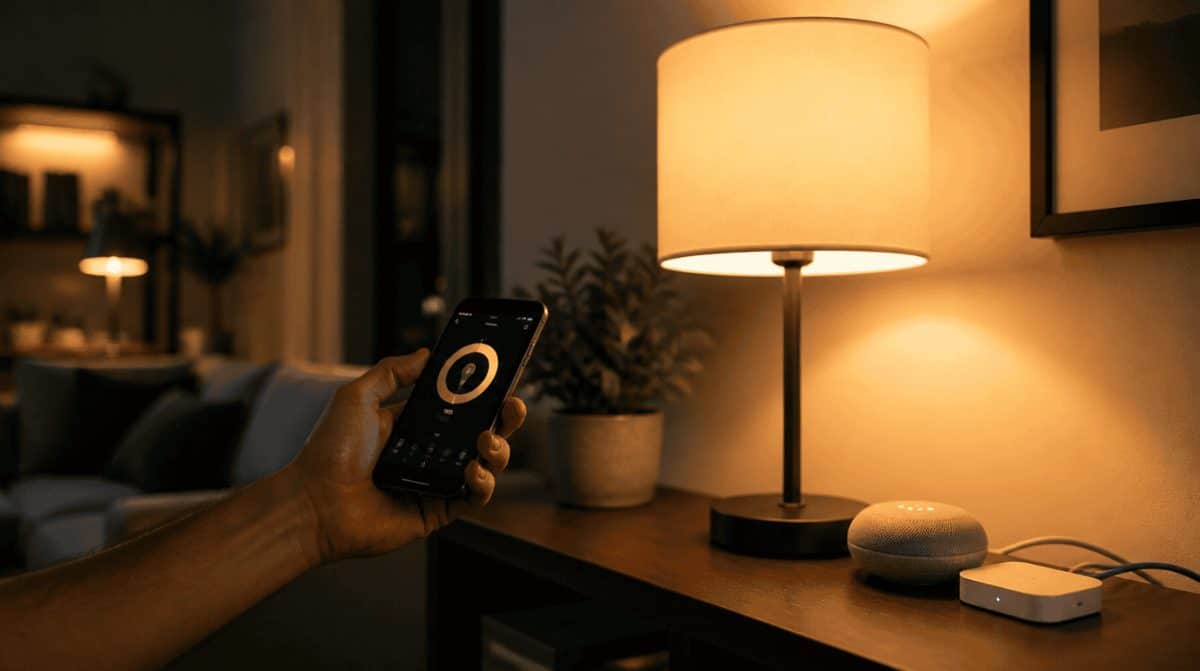
The kids want the living room lamps on, you tap the Hue tile in the Google Home app, and nothing happens. That is the classic Google Home Philips Hue not working moment, and the timing is no coincidence: Google just changed how the two talk.
In its October 14, 2026 release notes, Google says Hue bridges are switching to local Matter control, handled by your Google Home hub, on their own and in the background. Lights should respond faster once it settles, but homes missing the right hub or network setting can stumble.
What changed for Hue lights in Google Home
The big shift is the route your tap takes. Google’s Matter setup page explains that commands for Matter gear stay on your home Wi-Fi and reach the device directly, skipping the cloud round trip, which Google says is both quicker and more secure.
Existing Philips Hue bridges now automatically upgrade in the background to local Matter control through Google Home hubs.
Google Home release notes, October 14, 2026
Google adds that no re-pairing is needed. The same update redesigned how non-Google lights, plugs and switches are controlled, so a Hue tile that simply looks different is not a Google Home Philips Hue not working sign.
Which homes are most likely to hit a snag
The upgrade runs through a Google Home hub, so the households most at risk of a Google Home Philips Hue not working moment are the ones missing a piece of that chain. Google lists these Matter hubs for Wi-Fi homes:
- Speakers: Google Home Speaker, Nest Audio, Nest Mini, Google Home Mini and the original Google Home
- Displays: Nest Hub (1st and 2nd gen) and Nest Hub Max
- Routers: Nest Wifi Pro (Wi-Fi 6E)
- Streamers: Google TV Streamer (4K), plus select TVs that work with Google Home
Own none of these? Then the local Matter path has nothing to run through. Routers with IPv6 switched off are the other trouble spot (see step 4).
Google Home Philips Hue not working? Try these 6 fixes in order
Work from the top whenever you see Google Home Philips Hue not working on any phone in the house. The first few checks take a minute each.
- Update the Google Home app. The Matter changes and redesigned light controls arrived on October 14, so an older copy on one family phone can behave differently.
- Confirm you own a Matter hub. Without one of the devices listed above on your Wi-Fi, Google has no local route to the Hue bridge.
- Put the hub and the Hue bridge on the same network. Local control only works when both sit on your home network. A guest network or a second router can quietly split them apart.
- Turn on IPv6 in your router. This is the sneaky one. Google warns that without IPv6, adding a Matter device can look successful while control fails later. Your router’s manual or your internet provider can tell you where the setting lives.
- Look for greyed-out tiles and check device history. Since the September 30 update, Matter switch tiles show in grey when they are disconnected. The October 14 update also lets you open a device and swipe up from the bottom of the screen to add it to favorites, see device history, find help articles and open full settings.
- Send feedback before you rebuild anything. That same swipe-up panel has a feedback option. Because Google says the switch needs no re-pairing, removing and re-adding the bridge should be a last resort rather than a first move.
One more family tip: if only one person sees the problem, compare app versions and check which Wi-Fi network their phone is on. A Google Home Philips Hue not working report from a single phone is often that phone, not the lights.
When to stop tinkering and let the upgrade finish
Google describes the move as automatic and in the background, and it has not published a timeline for how long each home takes. If your hub, bridge and phone pass every check and the Google Home Philips Hue not working symptoms continue, give it a day or two before tearing down your setup.
Google has also not said whether Hue lights will keep responding through an internet outage. Local control points that way, but treat it as a likely bonus, not a promise. If you are weighing a router upgrade to get a hub built in, our Nest Wifi Pro vs. Nest Wifi comparison lays out the differences, and our piece on how Google Home took over from the Nest app explains why so much now lives in one app.
Frequently asked questions about Hue and Google Home
Does Philips Hue work with Google Home?
Yes. Hue lights connected through a Hue bridge show up in Google Home, and Google is now shifting those bridges to local Matter control via its own hubs.
Does Philips Hue work with Matter?
Yes, through the Hue bridge. Google says existing Hue bridges upgrade to local Matter control automatically through a compatible Google Home hub.
Can you connect Philips Hue to Google Home without a bridge?
Google’s October update only covers Hue bridges. It says nothing about bulbs set up without one, so the Matter changes described here do not apply to them.
Before you reset anything, check IPv6 on your router. It’s the fix most people never think of.
Should you troubleshoot your Hue lights or just wait?
If you own a Google hub and a Hue bridge, run the six checks once, with IPv6 at the top of your suspect list, then give the background switch time to finish. If you have no hub at all, a Google Home Philips Hue not working fix starts with buying one, not with resetting bulbs. Either way, the payoff is lamps that react the moment you tap, not a beat later.