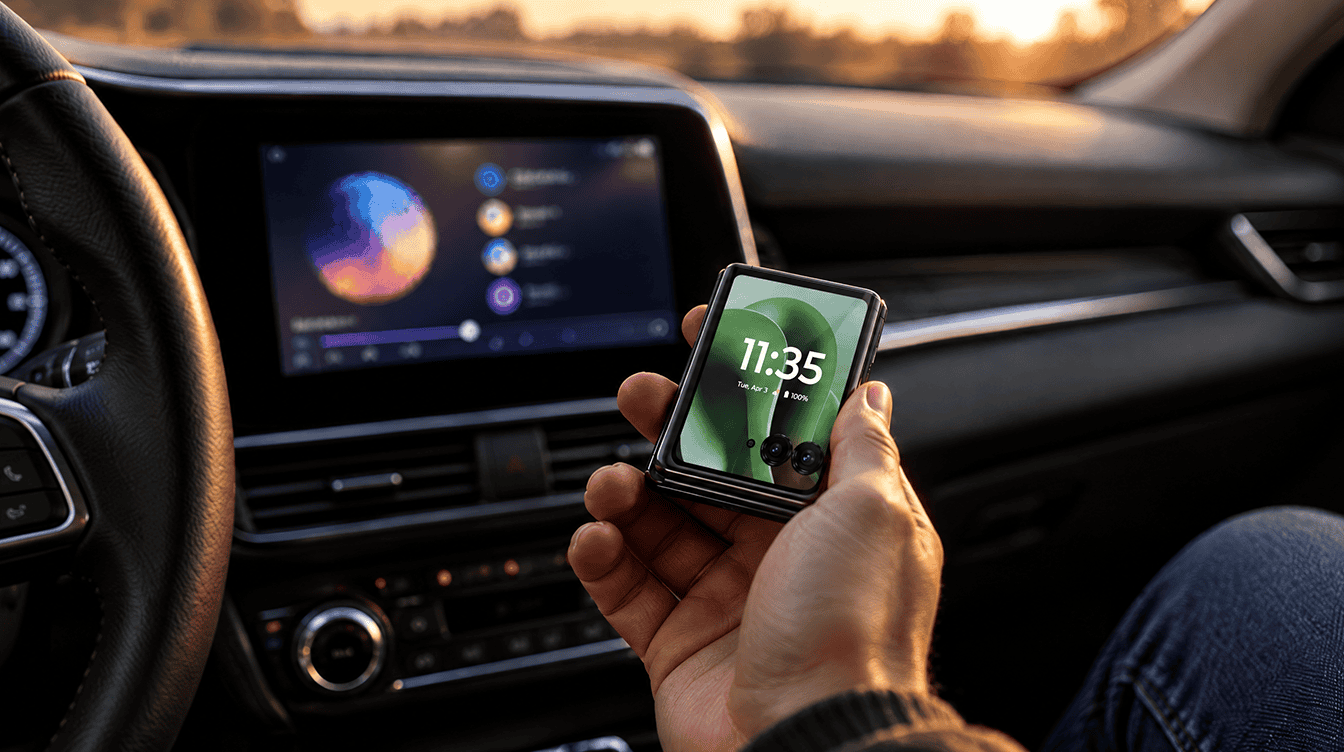
You are pulling out of the school parking lot, the flip phone is folded shut in the cup holder, and you ask the car to call home. Gemini confirms it is calling. Then nothing happens. If that sounds familiar, it is not your car and it is not your imagination: android auto calls not working on closed flip phones is a known, reported bug, and right now the one dependable fix is to open the phone.
The problem affects clamshell foldables such as the Motorola Razr Ultra and Samsung Galaxy Z Flip. Outgoing calls fail while the phone is closed, but incoming calls still ring through. Google and Motorola are looking into it, and neither company has released a fix yet.
What happens when you try to place a call
Owners describe the same sequence. With the phone folded, you give the voice command, Gemini says it is dialing, and the call never begins. One owner said the phone showed a prompt asking them to “flip open to continue.” Unfold the same phone, repeat the same request, and the call connects.
The issue was first reported by Android Authority, and complaints stretch back several months, with new ones posted as recently as September 2026.
Which phones have Android Auto calls not working when folded
Every report so far involves a clamshell-style flip phone. Here is how the complaints break down:
| Phone | What owners report |
|---|---|
| Motorola Razr Ultra (60 and 70 models) | Most of the complaints; outgoing calls fail when closed on Android 16 |
| Samsung Galaxy Z Flip 7 | An April forum post says calling worked until the owner started using Gemini |
| Other Razr and Galaxy Z Flip models | Mentioned in reports, with the same closed-phone pattern |
Is Gemini the cause?
Possibly, but nobody has confirmed it. The common thread is timing: many owners say calling broke right around when Gemini replaced Google Assistant on their phone. Google started removing Assistant from phones that meet Gemini’s minimum requirements on September 4, 2026, so many more drivers now use Gemini in the car.
Our read of the symptoms: that “flip open” prompt suggests some step in the calling flow expects the main screen to be available, and a folded phone cannot provide it. Treat that as an educated guess, not an official explanation.
Things to try, easiest first
None of these permanently cures android auto calls not working on a flip phone, but they keep you reachable until an update arrives.
- Open the phone before asking for a call. This is the only workaround owners say works every time. Unfold it, then use the voice command or tap the contact on the car screen. If it is out of reach, pull over first.
- Let people call you. Incoming calls still work with the phone folded, so a quick message sent before you leave, asking someone to ring you, avoids the problem entirely.
- Make the important calls before you drive. A running-late call is easier to place while you are still parked.
- See if Google Assistant is still available. One owner got outgoing calls back by switching from Gemini to Assistant. With the September 4 removal underway, many phones no longer offer that choice.
- Add your details to the official threads. Google’s Android Auto community thread on Razr calls and a matching Motorola forum thread both have company staff collecting details. Mention your model, Android version and whether you use Gemini.
Keep your phone’s system software and Google apps updated as well, so the fix reaches you the day it ships.
When to stop troubleshooting and wait for a fix
If opening the phone fixes android auto calls not working for you, there is little to gain from deeper troubleshooting. A factory reset or reinstalling apps does not show up anywhere as a cure, and the pattern points to software that Google or Motorola has to change on their end.
It is a different story if you have android auto calls not working even with the phone fully open. That points to a separate problem, and checking your car connection is the better starting point. We also covered another recent quirk where Android Auto autoplay settings get ignored.
What Google and Motorola have said
Very little in public. Staff from both companies have been asking owners for details in forum threads, so the bug is clearly on their radar. Neither has named a cause or given a timeline, and Google has not said whether the fix will come through Gemini, Android Auto or a system update from Motorola and Samsung.
Some frustrated owners are switching off AI features where they can. If you are trimming Gemini elsewhere too, our guide on how to turn off Gemini in Chrome covers the browser side. For now, android auto calls not working on a closed Razr or Z Flip is something you work around rather than fix.
Quick answers on android auto calls not working
Why won’t Android Auto make calls on my Razr?
Most likely because the phone is closed. Owners report that outgoing calls through Gemini fail while the Razr is folded and work again as soon as it is opened.
Do incoming calls still work on Android Auto with a closed flip phone?
Yes. Reports say incoming calls ring through normally, and only calls you start from the car are affected.
Can I switch back to Google Assistant on Android Auto?
Possibly not. Google began removing Assistant from phones that meet Gemini’s requirements on September 4, 2026, so the option may already be gone on your phone.
Should Razr and Z Flip owners just wait it out?
Yes, with one new habit. If you drive with a flip phone, open it before you ask for a call and handle the must-make calls while parked; owners of regular phones can ignore this bug entirely. Until Google or Motorola ships a fix, android auto calls not working on a folded phone comes down to a simple rule: unfold first, then talk.