
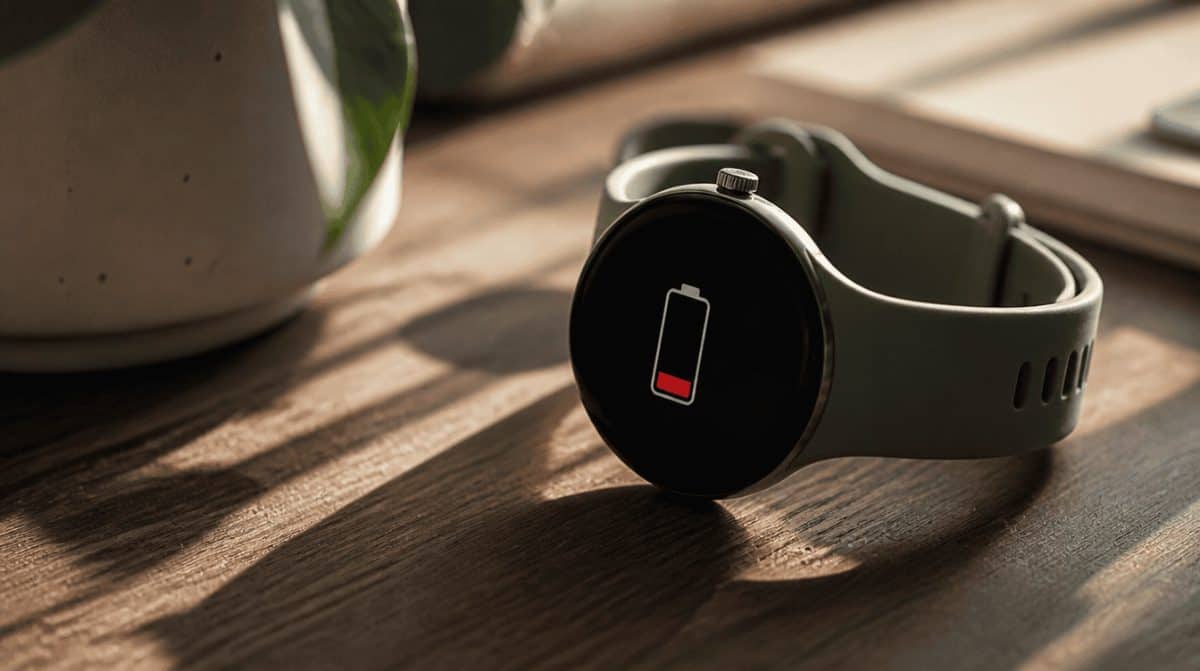
In the last week of October 2026, a cluster of Pixel Watch owners on Reddit started asking the same thing: why does a watch that used to last two days now need the charger before dinner? Some owners say pixel watch battery drain is eating as much as 20% of their charge every few hours, according to a report from 9to5Google that rounds up complaints posted on the Pixel Watch subreddit.
The good news is that this is not happening to everyone, and there are several quick settings you can check tonight. Google says a fix for the drain, which affects a small number of devices, started rolling out on November 3 through Play Store app updates, so the steps below cover what to do until it reaches your watch.
What owners are seeing on the Pixel Watch 2 and Pixel Watch 4
Two examples stand out. One Pixel Watch 2 owner says a full charge now gets them about 12 hours, down from roughly 48 hours with the always-on screen switched off. A Pixel Watch 4 owner reports the watch no longer makes it through a single day, when it used to stretch to as much as two and a half days.
Keep that in perspective. Plenty of people in the same threads say their watch behaves normally, and the reports disagree about when things went wrong. This looks like a pocket of affected watches, not a fleet-wide failure.
Is it pixel watch battery drain after an update?
Nobody knows for sure, but two recent software changes are getting the side-eye:
- The September 2026 watch update. It reached the Pixel Watch 2 and newer and added Gemini Personalization, which lets the assistant pull context from your past chats plus Gmail, Calendar, Search, YouTube and Photos.
- The October 2026 Google Health app update. Version 5.11, which began rolling out on October 23, lets the watch log more than 100 workout types on its own once your heart rate stays up long enough.
The Health app change only covers the Pixel Watch 3 and newer, so it cannot explain the Pixel Watch 2 complaints. If you moved over to the new app recently, our guide on finishing the Fitbit app update to Google Health covers that switch.
How long your watch should last
Before changing anything, compare your results with the maximum figures on Google’s Pixel Watch battery help page. Real-world numbers vary with how you use the watch, your mobile network and signal strength.
| Model | Max hours, Always-on Display on | Max hours, Battery Saver on |
|---|---|---|
| Pixel Watch 4 (45 mm) | 40 | 72 |
| Pixel Watch 4 (41 mm) | 30 | 48 |
| Pixel Watch 3 | 24 | 36 |
| Pixel Watch 2 | 24 | Not listed |
If your watch falls well short of these numbers on a normal day, you are likely dealing with real pixel watch battery drain, and the steps below are worth a try.
Fixes for pixel watch battery drain, easiest first
- Update your watch apps. Open the Play Store on the watch, go to Manage apps and tap Update all to pick up Google’s fix.
- Restart the watch. Hold the crown for about 3 seconds, scroll down and tap Restart.
- Turn off the always-on screen. Swipe down, open Settings, then Display, and switch off Always-on Display.
- Shorten the screen timeout. In Settings, then Display, pick a shorter time under Screen timeout.
- Switch off Tilt-to-wake. Go to Settings, then Gestures. Every wrist flick that lights the screen adds up over a day.
- Use Bedtime mode at night. Turn it on from Quick Settings. It keeps the screen dark and blocks Tilt-to-wake and Touch-to-wake, while still letting alarms, priority contacts and repeat callers through.
- Check mobile data on LTE models. Go to Settings, then Connectivity, then Mobile, and choose Automatic. Setting it to Off saves more, but calls will not work when your phone is out of reach.
- Download music instead of streaming. Streamed music uses more battery than tracks you have already saved to the watch.
- Lean on Battery Saver. Under Settings, then Battery, you can turn it on manually. It kicks in by itself at 15%, limits background activity and may delay notifications.
Try one change at a time for a day so you can tell which one actually helped. If you rely on your watch for safety features, our explainer on changes to Pixel Watch Emergency SOS is worth a read before you switch LTE off.
What Google has said so far
Google told 9to5Google on November 2 that it was aware of a battery drain issue affecting a small number of users. On November 3, it said a fix had started rolling out through Play Store app updates and should reach affected watches within a couple of days. It has not named the cause or the app involved. It is also unclear whether the reports are tied to one model, one region or a specific app.
Settings tweaks can only do so much if a software bug is behind the problem. If the trouble did start with an update, a future patch is the real cure.
Frequently asked questions
Why is my Pixel Watch battery draining overnight?
Google has not named a cause, but an active screen and wake gestures still use power while you sleep. Turning on Bedtime mode from Quick Settings keeps the display dark and disables Tilt-to-wake and Touch-to-wake until morning.
Does Pixel Watch battery saver turn off the always-on display?
Yes. Battery Saver switches off Always-on Display and limits background activity, but it keeps Tilt-to-wake working. It also turns on by itself when the battery reaches 15%.
Is the Pixel Watch battery draining fast for everyone?
No. Many owners in the same discussion threads say their battery life has not changed, so the problem appears to affect only some watches.
When to stop troubleshooting and wait for Google’s fix
If a restart and the screen settings above bring your watch back near Google’s figures, you are done. If pixel watch battery drain continues even with Battery Saver on, stop fiddling and keep an eye out for the next watch update instead. Your evenings are better spent with the family than hovering over a charger.